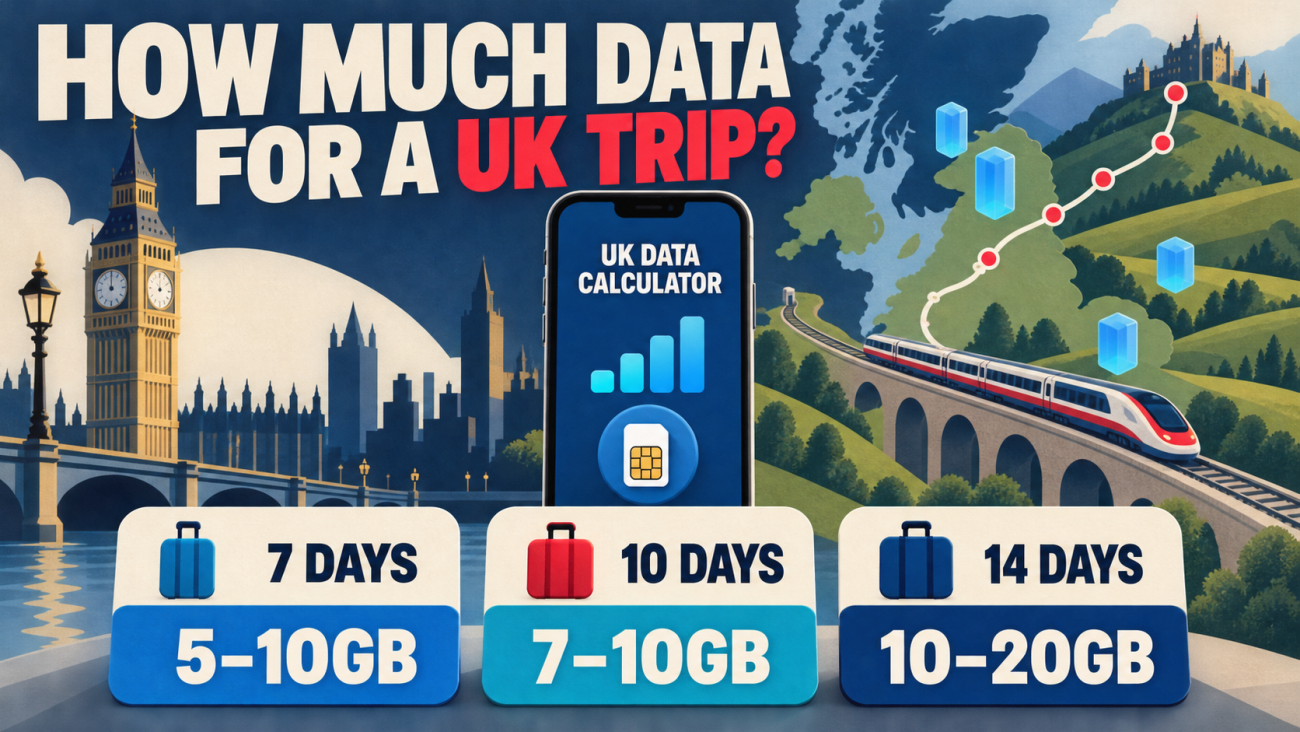
Will my phone work in the UK? For most recent smartphones, the answer is yes—provided the device is carrier-unlocked, supports the SIM format you plan to use, and has an active UK roaming, local SIM or travel eSIM plan. Those checks matter more than the logo on the phone.
This guide helps visitors confirm compatibility before departure, compare ways to connect, keep a home number active safely and troubleshoot common arrival problems. It does not try to rank eSIM brands; the aim is to make sure the phone and connection method will actually work together.
Quick answer
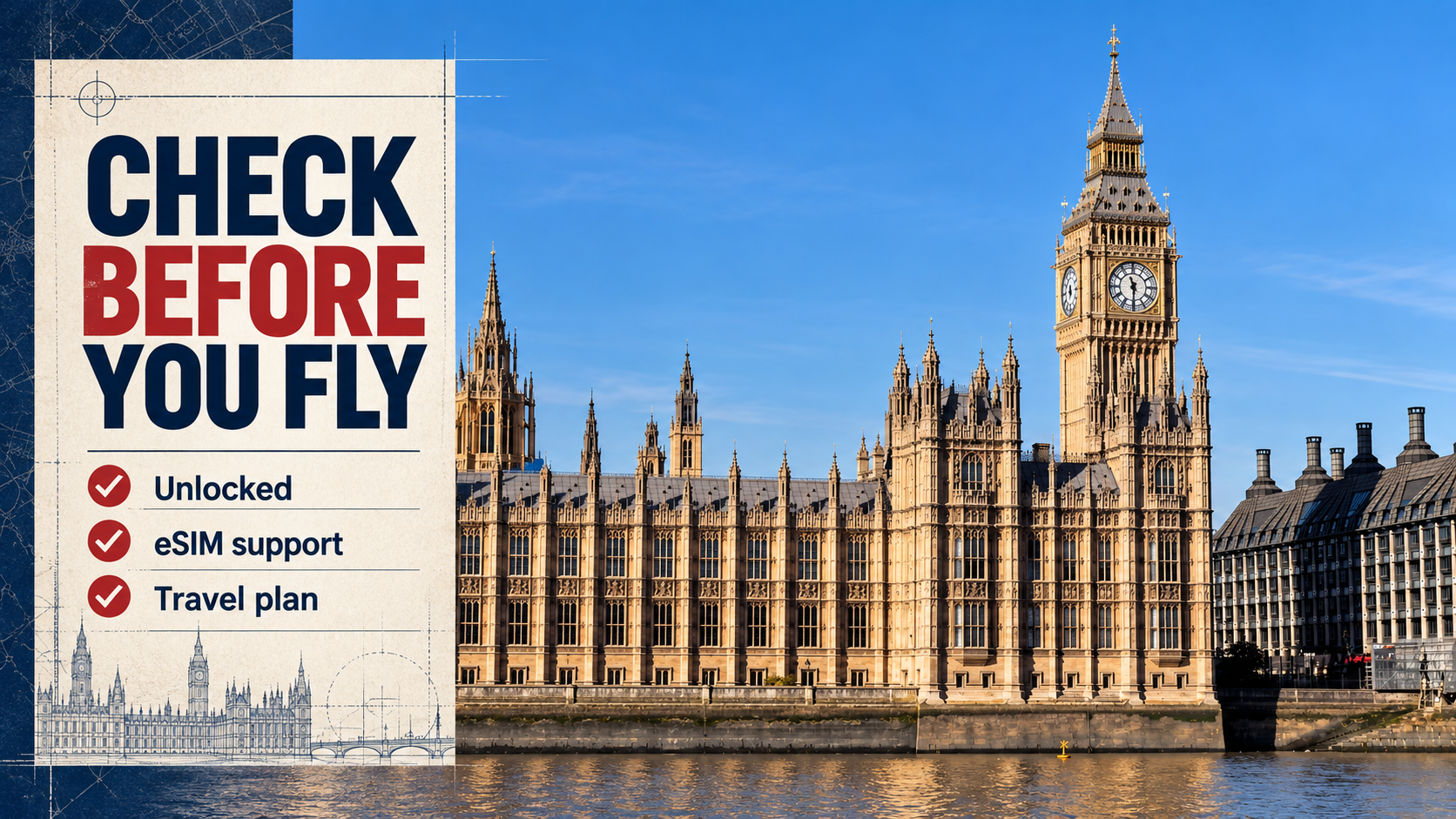
Your phone is likely to work in the UK if all four statements are true:
- It is not locked to your home carrier.
- It supports eSIM or accepts the physical SIM you intend to use.
- It is a reasonably recent 4G/LTE or 5G model made for international use.
- Your roaming package or UK data plan is active and configured correctly.
A modern unlocked iPhone, Samsung Galaxy or Google Pixel usually clears the hardware checks. Regional variants, older 3G-dependent phones and carrier-locked devices need closer attention. The safest approach is to verify the exact model number instead of assuming that every version of the same phone has identical SIM and network support.
Will my phone work in the UK? Complete these checks first
1. Confirm that the phone is carrier-unlocked
A travel eSIM or another provider's physical SIM normally cannot be used on a carrier-locked phone. Buying a plan does not remove the lock.
On an iPhone, open Settings → General → About and look for Carrier Lock. Apple says an unlocked iPhone shows No SIM Restrictions. Android wording varies: the most dependable method is to ask the carrier that sold the phone or test the device with another carrier's SIM before the trip.
Start the unlock request early. A carrier may require the phone to be paid off, the account to be in good standing or a minimum service period to have passed.
2. Check whether your exact model supports eSIM
Do not rely on the model family alone. eSIM availability can differ by country of purchase, carrier firmware and regional hardware.
- iPhone: look for Settings → Cellular/Mobile Data → Add eSIM.
- Samsung Galaxy: look for Settings → Connections → SIM manager → Add eSIM.
- Google Pixel: look for Settings → Network & internet → SIMs → Add SIM.
If the option is absent, check the manufacturer's specifications for the full model number. Some phones sold in particular markets use two physical SIMs or omit eSIM even though versions sold elsewhere include it. Ezigo also maintains a device compatibility list, but the manufacturer's regional specification remains the final hardware reference.
3. Make sure the phone is not dependent on 3G
The UK has been retiring 3G networks, so a phone that depends on 3G for service is a poor travel choice. Ofcom advises customers to check affected devices and services as operators complete their switch-offs. A recent 4G/LTE or 5G phone is the practical baseline.
For mobile data, broad LTE support is more important than chasing one advertised 5G band. For traditional voice calls, the carrier's VoLTE support can also matter. A data-only travel eSIM avoids the native-call issue because WhatsApp, FaceTime, Signal and similar apps place calls over mobile data.
Phones from the US, Canada, Europe and Asia
Most recent international flagship phones can use UK mobile data, but the country where the phone was purchased can change the answer.
| Phone origin | What usually works | What to verify |
|---|---|---|
| United States | Recent unlocked iPhones, Galaxy and Pixel models generally support useful UK LTE/5G service | eSIM-only models need an eSIM plan; confirm the home carrier has unlocked the device |
| Canada | Recent unlocked models commonly have broad LTE/5G support | Check the roaming package or eSIM support for the exact Canadian variant |
| EU, EEA, Australia and New Zealand | Many devices share broad international network support | Do not assume UK roaming remains included; check the current home plan |
| China mainland, Hong Kong and Macao | Many models can use UK mobile data | Some regional iPhones and Android phones have different eSIM or dual-SIM configurations |
| Older or budget devices | 4G data may work when the right bands are present | Check VoLTE, regional bands and whether the phone still depends on 3G |
This table is a screening guide, not a model-by-model guarantee. Search the exact model number shown in the phone's settings or on its original packaging, then compare the manufacturer's regional specifications.
Choose how the phone will connect in the UK
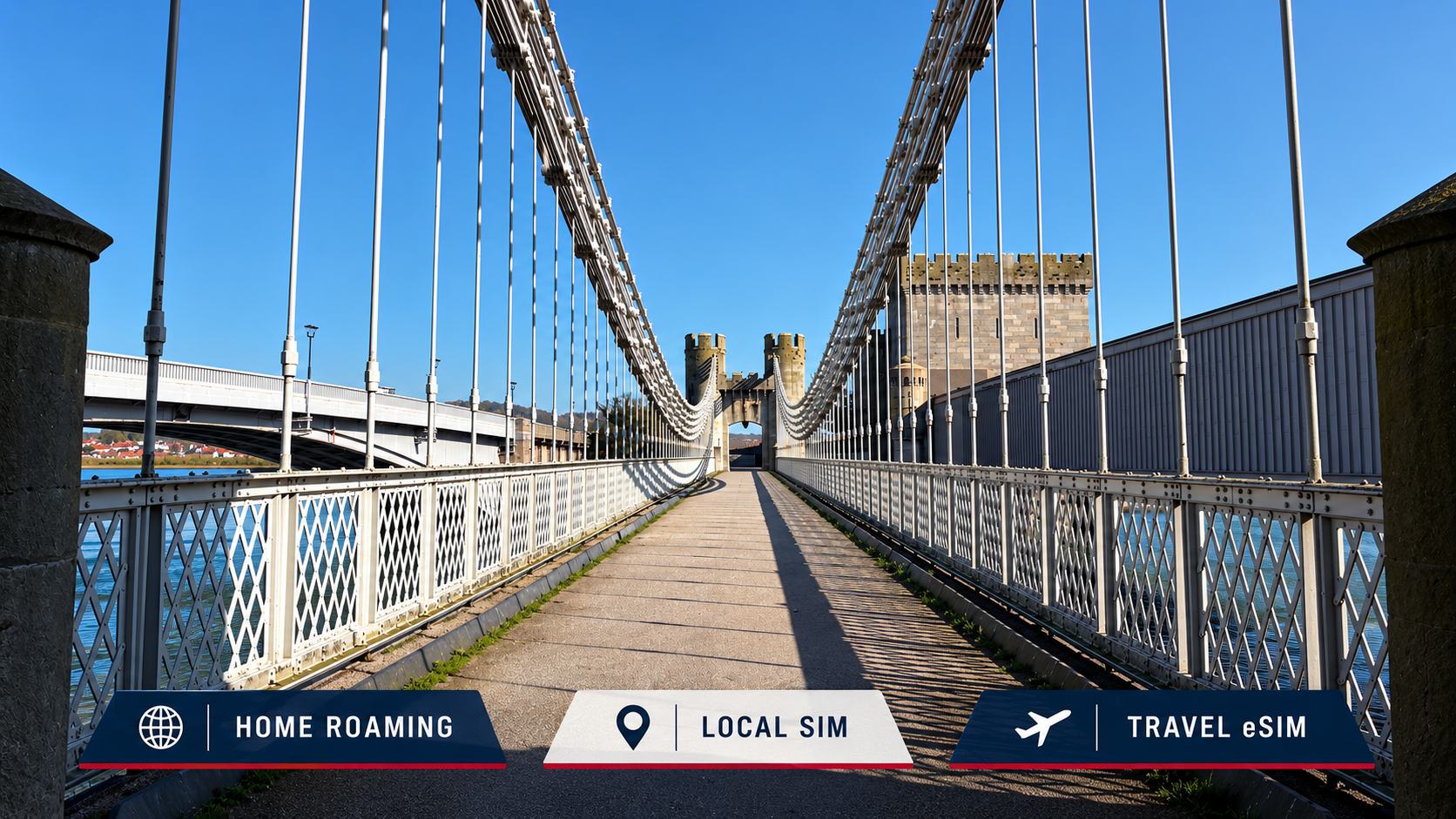
Once the hardware checks pass, choose the connection method. The best option depends on trip length, whether you need a UK phone number and how much setup you want to do.
| Option | Best for | Main advantage | Main limitation |
|---|---|---|---|
| Home-carrier roaming | Short trips when the UK is already included | Keep the normal line and number with little setup | Daily passes, speed limits or fair-use rules may make it expensive |
| UK prepaid SIM/eSIM | Longer stays or travellers who need a UK number | Local calls, SMS and data may be bundled | Registration, activation and plan terms vary by operator |
| Travel eSIM | Unlocked eSIM phones used mainly for data | Install before departure and keep the physical home SIM in place | Many travel plans are data-only and do not include a UK number |
| Pocket Wi-Fi | Groups sharing one connection | Several devices can connect | Another device to charge, carry and return |
| Public Wi-Fi | Occasional backup | No mobile plan required | Patchy availability and added privacy risk on open networks |
Check the total cost and the rule after any high-speed allowance is used. The word “unlimited” does not by itself describe the daily high-speed amount, post-cap speed or hotspot policy.
Can I keep my normal number while using a UK eSIM?
Yes, if the phone supports dual-SIM operation. Keep the home line installed and select the UK travel eSIM for mobile data. Your normal number can remain available for authentication texts and other services, subject to the home carrier's roaming charges.
Use this setup checklist:
- Label the lines Home and UK Travel.
- Select UK Travel as the cellular/mobile data line.
- Turn off Cellular Data Switching or its Android equivalent unless you deliberately want the home line to take over.
- Keep data roaming off for the home line unless your carrier confirms UK use is included.
- Turn data roaming on for the travel eSIM after arrival; travel profiles often need it to reach their UK partner network.
Apple notes that supported iPhones can keep two eSIMs active at the same time, and a travel eSIM can be used as the data line. Keeping the home line active does not make home-carrier calls or texts free, so check those rates separately.
UK network coverage changes with the route
A compatible phone and a valid plan still require local signal. Central London, Edinburgh or Manchester is a different coverage problem from a coastal walk, a rural rail journey or a drive through sparsely populated areas.
Before buying, check which UK networks the plan can use and compare their official coverage maps with the full itinerary. Coverage maps are predictions, not promises: buildings, terrain, congestion, the phone's radio support and indoor location all influence the connection.
Ezigo's current UK plan lists different partner networks by plan family:
| Ezigo UK plan type | Listed networks | Data rule |
|---|---|---|
| Total Data | EE, Three and O2; 5G where available | 500MB–50GB fixed pool; stops when used; top-up supported |
| Standard Daily | EE and O2; 4G/LTE/5G where available | 2GB or 3GB high speed per day, then up to 384Kbps until the reset |
| Unlimited | O2, Three and Vodafone; 4G/LTE/5G where available | 1GB high speed per day, then up to 5Mbps until the 00:00 UK-local reset |
All three plan families support hotspot/tethering. They are data-only, so they do not provide a UK phone number, traditional voice minutes or SMS. Current network availability and plan details should be checked on the UK eSIM plan before checkout.

Which UK eSIM plan type fits your phone use?
The compatibility question comes first; allowance comes second. Once the phone can use eSIM, match the data rule to the trip.
Choose Total Data for a flexible trip-wide allowance
Total Data gives one pool to use over the selected validity period. It suits travellers whose usage changes from day to day and who want the option to top up. The connection stops when the allowance is exhausted, so monitor the balance on long travel days.
Choose Standard Daily for a larger daily high-speed allowance
Standard Daily includes 2GB or 3GB of high-speed data each day, followed by service at up to 384Kbps until the next reset. It suits regular navigation, social media and daily use when you prefer a fresh high-speed allowance rather than one pool for the entire trip.
Choose Unlimited when continued post-cap speed matters
Unlimited includes 1GB of high-speed data each day, then continues at up to 5Mbps until midnight local UK time. It may be a better fit when you value continued practical access after the high-speed amount more than a larger initial daily allowance.
For a detailed allowance estimate, use the UK trip data guide. For provider and policy comparisons, see the best eSIM for UK travel article. Travellers who need a local number can compare UK prepaid SIM card options.
Set up the phone before departure
Installation is easiest with stable Wi-Fi and time to correct a mistake.
- Confirm the exact phone model, carrier-lock status and eSIM support.
- Buy a plan that covers the full itinerary and intended use.
- Install the eSIM over reliable Wi-Fi using the instructions sent with the order.
- Do not delete the eSIM after installation; the same QR code may not support another installation.
- Label the lines and set the home line as default for calls if you want to keep your number.
- After arrival, set the UK eSIM as the data line and enable data roaming for that line.
- Test maps, messaging and one browser page before leaving the airport or station.
Installation and the start of plan validity are not always the same event. Follow the activation instructions supplied with the order. The eSIM installation guide shows the normal iPhone and Android paths.
What to do if the phone shows no service in the UK
Work through the settings in order instead of deleting the eSIM.
- Confirm that you are physically inside the plan's UK coverage area.
- Make sure the travel eSIM line is turned on.
- Select it as the mobile data line.
- Enable data roaming on the travel eSIM, not automatically on the home line.
- Leave network selection on automatic first.
- Toggle airplane mode for around 30 seconds, then try again.
- Restart the phone and check whether the plan has begun and still has data or validity remaining.
- If the problem continues, contact support with the order number, phone model and screenshots of the SIM and mobile-data settings.
Deleting the profile should be a last step performed only after support confirms it is safe. A deleted travel eSIM may not be reinstallable from the original QR code.
Frequently asked questions
Will my US phone work in the UK?
Usually, if it is recent, carrier-unlocked and supports useful UK LTE/5G service. US eSIM-only iPhones need an eSIM connection option because they do not accept a physical SIM.
Do I need to unlock my phone for a UK travel eSIM?
Yes. Apple states that an iPhone must not be carrier-locked to use another carrier while travelling. The same practical rule applies to Android phones using a travel eSIM from another provider.
Can I use WhatsApp with a data-only UK eSIM?
Yes. WhatsApp uses mobile data and normally remains registered to the existing number. Do not re-register the app unless you intend to change that number.
Will I still receive bank verification texts?
Potentially, if the home line stays active and your home carrier permits roaming. Receiving or sending messages may create charges, so check the home plan. Where available, app-based authentication is usually easier to control.
Does a UK eSIM give me a UK phone number?
Not necessarily. Ezigo UK plans are data-only and do not include a UK number, traditional calls or SMS. A local mobile plan is more suitable when a native UK number is essential.
Should I leave data roaming on?
Turn it on for the travel eSIM when its instructions require roaming to connect to partner networks. Keep it off for the home line unless the home carrier confirms UK data is included.
Will 5G work everywhere in the UK?
No. 5G depends on the phone, plan, partner network, local coverage and conditions at the time. The phone may fall back to 4G/LTE where 5G is unavailable.
Final answer: will my phone work in the UK?
For most travellers with a recent smartphone, will my phone work in the UK comes down to four checks: it must be unlocked, support the intended SIM or eSIM, connect to modern UK mobile networks and have an active plan. Passing only three of the four can still leave the phone offline.
Complete those checks before departure, install over Wi-Fi and keep essential trip details available offline. If a data-only eSIM fits the trip, compare Ezigo eSIM UK plans after confirming device compatibility.
Sources and verification
- Apple Support: Use eSIM while travelling internationally
- Ofcom: Switching off the UK's 2G and 3G mobile networks
- Ezigo UK eSIM plans and network details
- Ezigo device compatibility
- Ezigo eSIM installation guide
Plan features, network access and carrier policies can change. Product and source details were rechecked on 6 October 2026.

High-speed data, wherever your journey leads
Enjoy instant, secure mobile data with Ezigo eSIM in 200+ destinations. No physical SIM needed.