Yes—most recent, carrier-unlocked smartphones will work in Thailand. Before buying a local SIM or travel eSIM, check three separate things: whether the phone is unlocked, whether your exact model supports Thailand’s main 4G/5G bands, and whether that regional version supports eSIM.
Passing the first two checks means you should be able to use a compatible Thai physical SIM. Passing all three also gives you the option to install a Thailand eSIM before departure.
Quick answer: pass these three checks
Key takeaways
Will my phone work in Thailand? Run this 60-second check
Do not treat “works in Thailand” as one yes-or-no specification. A phone can support Thai mobile frequencies but remain locked to its home carrier. It can also work with a physical Thai SIM while lacking eSIM hardware.
- Find the phone’s full model number and country or region of purchase.
- Confirm that the device is carrier-unlocked.
- Compare its LTE and 5G bands with the common Thailand bands below.
- If you want a travel eSIM, confirm eSIM support for that exact regional model.
- Decide whether you want to keep the home line active and whether you need a Thai phone number.
You can search the Ezigo eSIM-compatible device list first. For an uncertain regional variant, confirm the full model on the manufacturer’s specification page as well.
How to check whether your phone is carrier-unlocked
A carrier lock restricts a device to the operator that sold or financed it. Even a phone with perfect Thailand band support and built-in eSIM cannot use another provider’s plan while that lock remains active.
Check an iPhone
Open Settings → General → About and look for Carrier Lock or Network Provider Lock. Apple says an unlocked iPhone displays No SIM restrictions.
If another message appears, contact the carrier that supplied the phone. Apple cannot remove a carrier lock on the operator’s behalf, and eligibility rules differ by carrier.
Check an Android phone
Android labels vary by brand, model and software version, so there is no universal setting that proves unlock status on every device. Use one of these reliable options:
- Check the carrier account or device-unlock status.
- Ask the original carrier to confirm the IMEI is unlocked.
- Test a working SIM from a different provider if the phone has a physical SIM tray.
Seeing several networks in a manual network-selection menu is useful information, but it should not be your only proof that the device is unlocked.
What if the phone is locked?
Request the unlock before you travel. Processing can take time, and some carriers require the device to meet account, payment or minimum-service conditions.
If unlocking is not possible, practical alternatives are the home carrier’s Thailand roaming, Pocket WiFi, or an unlocked backup phone. Do not buy a non-refundable third-party SIM on the assumption that a lock can be bypassed after arrival.
Does your phone support Thailand’s 4G and 5G bands?
The full model number matters more than the marketing name. A Samsung Galaxy, Google Pixel, Xiaomi or iPhone family can have different modem support, SIM layouts or eSIM features depending on where it was sold.
Thailand’s regulator and current frequency references show a mix of low-, mid- and higher-frequency mobile spectrum. For a traveler, these are the most useful bands to compare with the manufacturer’s specification sheet.
| Network generation | Commonly relevant Thailand bands | Practical meaning |
|---|---|---|
| 4G LTE | B1 (2100 MHz), B3 (1800 MHz), B8 (900 MHz), B28 (700 MHz), B40 (2300 MHz), B41 (2500/2600 MHz) | Supporting several common bands gives the phone more ways to connect across different networks and locations. |
| 5G | n28 (700 MHz) and n41 (2600 MHz) are especially relevant; other deployments can include n1, n3 or n40 | 5G availability still depends on operator, plan, device software, congestion and location. |
What partial band support means
Missing one band does not automatically make the phone unusable. It means the device has fewer network layers available. A phone might work well in central Bangkok but have less consistent indoor or rural service than a model that supports more low- and mid-band frequencies.
Likewise, a 5G phone can fall back to 4G when the appropriate 5G band, network access or coverage is unavailable. For maps, messages and bookings, stable 4G is usually more important than seeing a permanent 5G icon.
How to compare your model correctly
- Open Settings → About phone or read the model number from the original box.
- Search the manufacturer’s official specifications for that exact code.
- Compare the listed LTE/5G bands with the table above.
- Check the coverage map for the least urban stop on your itinerary—not only Bangkok or Phuket.
Do not rely on a specification page for a different regional version of the same phone.

Is your phone eSIM-compatible in Thailand?
Network compatibility is not the same as eSIM compatibility. An unlocked phone may connect perfectly with a physical Thai SIM but still have no eSIM hardware, or it may have eSIM disabled in that market version.
Use at least two of these checks:
- Look for Add eSIM, Add Cellular Plan, Download a SIM or a similar option in mobile-network settings.
- Dial
*#06#and look for an EID. This is a useful clue, although dial codes and menus are not identical on every device. - Check the full model number in the manufacturer’s official specification page.
- Search the Ezigo device compatibility checker.
Regional variants are the common trap. The same phone family may use eSIM in one market and a different physical-SIM configuration in another. Recent eSIM-only phones sold in some markets have the opposite limitation: they cannot accept an airport physical SIM at all.
Will your regular SIM and phone number work in Thailand?
Your regular SIM can work only if your home carrier offers roaming in Thailand and the line is permitted to roam. That is separate from whether the phone can accept a Thai SIM or travel eSIM.
Before using the home line, check five details on the carrier’s current roaming page:
- Is Thailand included in your exact monthly plan or roaming pass?
- Is charging daily, per usage, or included up to a limit?
- How much high-speed data is included before any reduction?
- What do incoming calls, outgoing calls and SMS cost?
- Does answering a call or receiving voicemail trigger a charge?
Searches such as does Verizon work in Thailand, does AT&T work in Thailand, does T-Mobile work in Thailand, Rogers roaming Thailand and Vodafone Thailand roaming share the same underlying answer: the carrier may have a roaming arrangement, but price and allowance depend on the specific plan. Check the operator directly rather than relying on an old third-party price table.
Can you keep your number while using a Thailand eSIM?
Often, yes. A Dual SIM phone can keep the home line installed while using a Thailand eSIM as the mobile-data line. That can be useful for bank OTP messages, account verification and calls to your usual number.
Keeping the line switched on does not make it free. Your home carrier may charge for calls, sent messages, voicemail or roaming activity. To reduce accidental data use:
- Select the Thailand eSIM as the cellular-data line.
- Turn off data roaming for the home SIM.
- Turn off automatic cellular-data switching unless you specifically need it.
- Leave the home line enabled only if receiving calls or SMS is important.
- Confirm with the carrier whether incoming SMS is free while abroad.
WhatsApp, LINE and similar apps normally stay linked to the number already registered in the app; changing the data SIM does not by itself change that account number.

Choose the right connection after checking compatibility
Once the hardware checks are complete, choose the connection method that matches the result.
| Your situation | Practical option |
|---|---|
| Unlocked, eSIM-compatible, mainly need data | Install a travel eSIM before departure. |
| Unlocked, no eSIM support, physical SIM tray available | Buy a Thailand tourist SIM after arrival. |
| Unlocked and need a Thai phone number | Compare local operator SIM/eSIM plans that explicitly include a number and voice/SMS. |
| Carrier-locked but the home plan includes acceptable Thailand roaming | Use carrier roaming after verifying current charges. |
| Locked or incompatible phone | Use Pocket WiFi or an unlocked compatible backup device. |
Ezigo’s Thailand eSIM plans are data-only and do not issue a native Thai phone number. The live product page lists Thailand network access, hotspot support and several data structures; confirm the selected plan’s exact allowance, validity, activation rule and network before checkout.
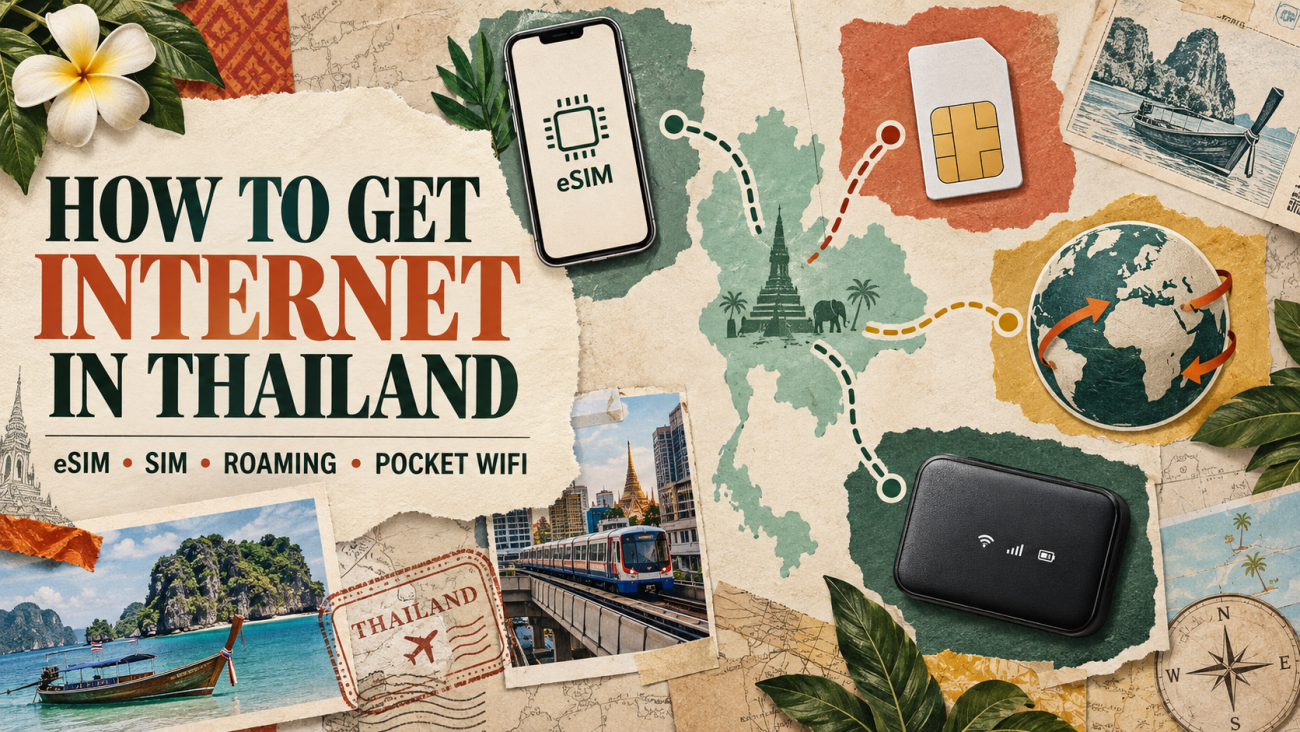
If you are comparing every connection method, read how to get internet in Thailand. If you need a Thai number or in-store setup, use the Thailand SIM card for tourists guide. For plan sizing, estimate how much data you need in Thailand.
Before you fly: Thailand phone compatibility checklist
- Record the exact model number and region of purchase.
- Confirm the phone is carrier-unlocked.
- Confirm support for several common Thailand 4G bands and, if important, n28/n41 5G.
- Confirm eSIM support for the exact regional model.
- Install the eSIM over stable Wi-Fi according to its activation timing.
- Save the QR code, order details and instructions offline.
- Label the home and travel lines clearly.
- Turn off data roaming on the home line.
- Confirm which line handles data, calls and messages.
- Download essential maps before visiting remote areas.
Use the full eSIM installation guide for device-specific setup. Do not delete an installed eSIM unless the provider tells you to do so; some activation codes cannot simply be scanned again.
What if your phone does not work after landing?
Work through the settings in a fixed order rather than changing everything at once:
- Turn Airplane Mode on briefly, then off, and wait for network registration.
- Confirm the Thailand eSIM or local SIM line is switched on.
- Select that line for mobile data.
- Enable data roaming on the travel eSIM if its instructions require it, while keeping roaming off on the home line.
- Restart the phone.
- Check the supplied APN and automatic/manual network-selection instructions.
- Confirm the plan has started and still has data and validity remaining.
- Contact the provider before deleting the eSIM.
If the phone shows SIM not supported or rejects another carrier’s profile, recheck the carrier lock. If it sees a network but cannot hold a signal, verify the exact model’s bands and try another supported network only when the plan instructions allow manual selection.
Frequently asked questions
Will a US phone work in Thailand?
Most recent unlocked US phones support several Thai 4G/5G bands, but the exact model still matters. Check the carrier lock, the manufacturer’s band list and whether an eSIM-only model can use your chosen plan.
Will a UK, European, Australian or Canadian phone work in Thailand?
Usually, if it is unlocked and supports the relevant Thailand bands. Roaming inclusion and charges remain carrier- and plan-specific, so verify those separately.
Does my phone need to be unlocked for a Thailand eSIM?
Yes. A travel eSIM from another provider normally requires a carrier-unlocked phone, even when the device has eSIM hardware.
Can I use a physical Thai SIM if my phone does not support eSIM?
Yes, provided the phone is unlocked, supports the Thai network bands and has a compatible physical SIM tray.
Can I keep my phone number with a Thailand eSIM?
You can often keep the home line active on a Dual SIM phone and use the Thailand eSIM for data. Your home carrier may still charge for calls, messages or other roaming activity.
Does a Thailand travel eSIM include a Thai phone number?
It depends on the product. Ezigo’s Thailand travel eSIM is data-only and does not include a native +66 number. Check local operator plans if a Thai number is essential.
Will 5G work everywhere in Thailand?
No. 5G depends on the phone’s bands, the selected network and plan, local coverage, congestion and building conditions. A compatible phone may use 4G where 5G is unavailable.
What is the most important Thailand frequency band?
There is no single band that guarantees complete service. Supporting several common LTE bands—especially a mix of low and mid bands—is more useful than matching only one frequency. For 5G, n28 and n41 are particularly relevant to check.
Final answer: check the phone before choosing the plan
If you are still asking will my phone work in Thailand, verify three things in order: carrier-unlocked status, the exact model’s Thailand network bands, and eSIM support. An unlocked phone with suitable bands can use a compatible physical SIM; if it also supports eSIM, you can prepare mobile data before departure.
Check compatibility, then choose a Thailand plan
Resolve the device risk first. Once your exact model passes the unlock, band and eSIM checks, compare the live Thailand data options for your trip.
Check device compatibilityView Thailand eSIM plansHigh-speed data, wherever your journey leads
Enjoy instant, secure mobile data with Ezigo eSIM in 200+ destinations. No physical SIM needed.