
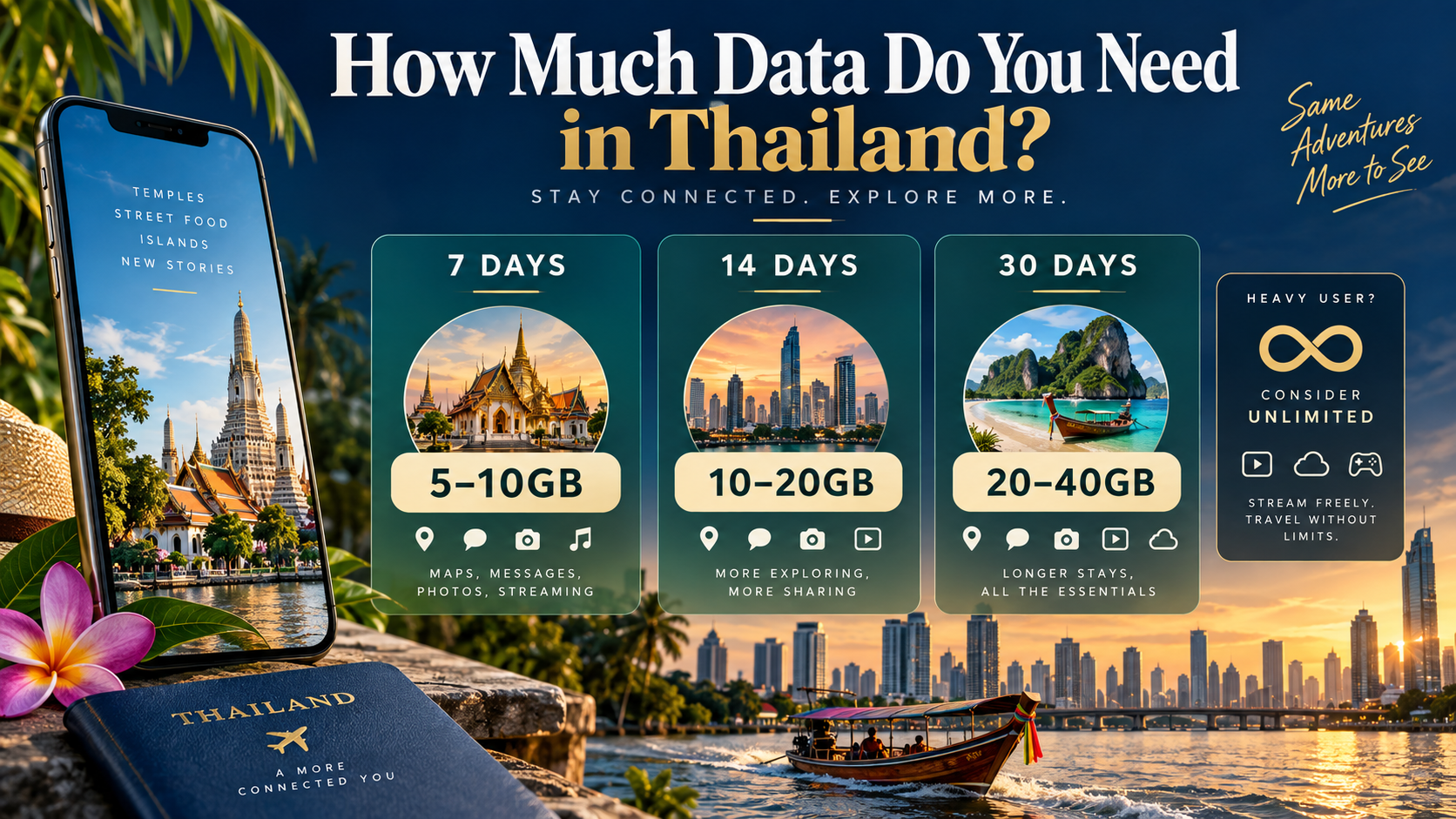
How much data do you need in Thailand? As a practical starting point, plan for 5–10GB for seven days, 10–20GB for two weeks, or 20–40GB for 30 days if you mainly use maps, messaging, bookings, social media and occasional video. Light users who stay on hotel Wi-Fi can choose less. Daily streaming, video calls, cloud backups or laptop hotspot use can push the right choice to 15GB+, 25GB+ or an Unlimited Thailand eSIM plan.
How much data do you need in Thailand?
| Trip length | Light use | Regular tourist use | Heavy use |
|---|---|---|---|
| 7 days | 3–5GB | 5–10GB | 15GB+ or Unlimited |
| 14 days | 5–8GB | 10–20GB | 25GB+ or Unlimited |
| 30 days | 10–15GB | 20–40GB | 50GB+ or Unlimited |
Light use means maps, translation, messages and tickets with reliable Wi-Fi at your accommodation. Regular use adds daily social feeds, photo uploads, ride-hailing and short video. Heavy use includes frequent streaming, video calls, large uploads, laptop tethering or several devices.
Calculate your Thailand eSIM data needs
Start with a daily estimate, multiply it by your trip length, then add a 20% buffer:
For example, 0.75GB per day for 14 days equals 12.6GB with the buffer, so a 15GB-or-larger allowance is more comfortable than 10GB.
This is a decision tool, not a promise of exact consumption. A single hour of high-definition video can change the estimate more than a full day of text messages and map searches.
Choose your daily-use profile
0.3–0.7GB/day
Maps, translation, email, tickets, messages and occasional searches, with long video sessions left for Wi-Fi.
0.7–1.5GB/day
Navigation, ride-hailing, social feeds, photo uploads, restaurant research and short video.
1.5–3GB+/day
Frequent video, calls, original-quality uploads, laptop hotspot or multiple connected devices.
What uses the most mobile data in Thailand?
Maps are important, but video, automatic uploads, video meetings and hotspot sharing usually create the biggest swings in usage.

| Activity | Usual impact | What increases consumption |
|---|---|---|
| Google Maps and route searches | Low to medium | Repeated refreshes, place photos and live traffic |
| Grab, Bolt and transport apps | Low to medium | Live maps, listings and repeated searches |
| Messages and translation | Low | Photos, videos, voice notes and automatic downloads |
| Social feeds and uploads | Medium to high | Autoplay and original-quality uploads |
| Video streaming | High | Resolution, autoplay and downloads |
| Video calls and laptop hotspot | High and variable | HD quality, operating-system updates and cloud sync |
Netflix’s official guidance lists up to 0.3GB per hour at low quality, 0.7GB at medium quality, up to 3GB at HD and up to 7GB at 4K. Zoom also lists materially higher bandwidth requirements for HD meetings. These figures are not Thailand usage averages; they show why behavior and settings matter.
How much data do you need for 7 days in Thailand?
For a seven-day Thailand trip, 5–10GB is a practical range for regular sightseeing. It covers maps, ride-hailing, translation, messages, social media and some short video without assuming that every evening is spent streaming.
- 3–5GB: light use with accommodation Wi-Fi and limited video.
- 5–10GB: safer for daily travel apps, photo uploads and regular social use.
- 15GB or more: better for frequent video, calls, large uploads or hotspot use.
- Unlimited: useful when daily use is unpredictable or you do not want to track a fixed pool.
How much data do you need for 2 weeks in Thailand?
For 14 days in Thailand, start with 10–20GB for regular use. Ten gigabytes can work for a Wi-Fi-led traveler, while 15–20GB is more forgiving if you navigate, post photos and watch short video every day.
- 5–8GB: light use with strong Wi-Fi habits.
- 10–20GB: regular sightseeing, social media, bookings and occasional video.
- 25GB or more: frequent uploads, video calls, streaming or hotspot use.
- Unlimited: the simplest fit when consumption is difficult to predict.
Ezigo’s 15-day validity can fit a two-week itinerary. Choose Total for a flexible trip-wide pool, Daily for a predictable high-speed allowance, or Unlimited when continuity matters most.
How much data do you need for 30 days in Thailand?
For a 30-day stay, a regular tourist should start around 20–40GB. Light users who rely on Wi-Fi can manage with 10–15GB, while remote work, frequent video and hotspot use can exceed 50GB.
- 10–15GB: light browsing, maps and messaging.
- 20–40GB: regular navigation, uploads, social media and some video.
- 50GB or more: work calls, cloud transfers, streaming or hotspot sharing.
- Unlimited: useful when the monthly total is uncertain.

Should you choose Total, Daily or Unlimited Thailand eSIM data?
The useful distinction is what happens as your usage changes during the trip—not simply whether a plan sounds cheap or unlimited.
Total data
One allowance for the selected validity period. Best when use varies by day and you can estimate the trip total.
- Good for maps, messages, bookings and social media.
- Works well with accommodation Wi-Fi.
- Can run out when the fixed allowance is exhausted.
Daily data
A daily high-speed allowance. Ezigo Thailand Daily currently reduces speed to up to 512Kbps after the daily allowance until reset.
- Good for steady, heavier use.
- Fresh allowance each day.
- Unused data does not become a larger next-day allowance.
Unlimited
Useful for frequent video, work calls, hotspot use or unpredictable daily consumption.
- Check the live speed, validity and hotspot terms.
- Unlimited does not always mean unlimited full-speed downloads.
- Choose it when continuity matters most.
Ezigo Thailand plans are data-only. The live selector includes Total, Daily and Unlimited structures. See the Thailand eSIM plans before choosing your allowance.
How to reduce your Thailand mobile data use
Simple settings that protect your allowance
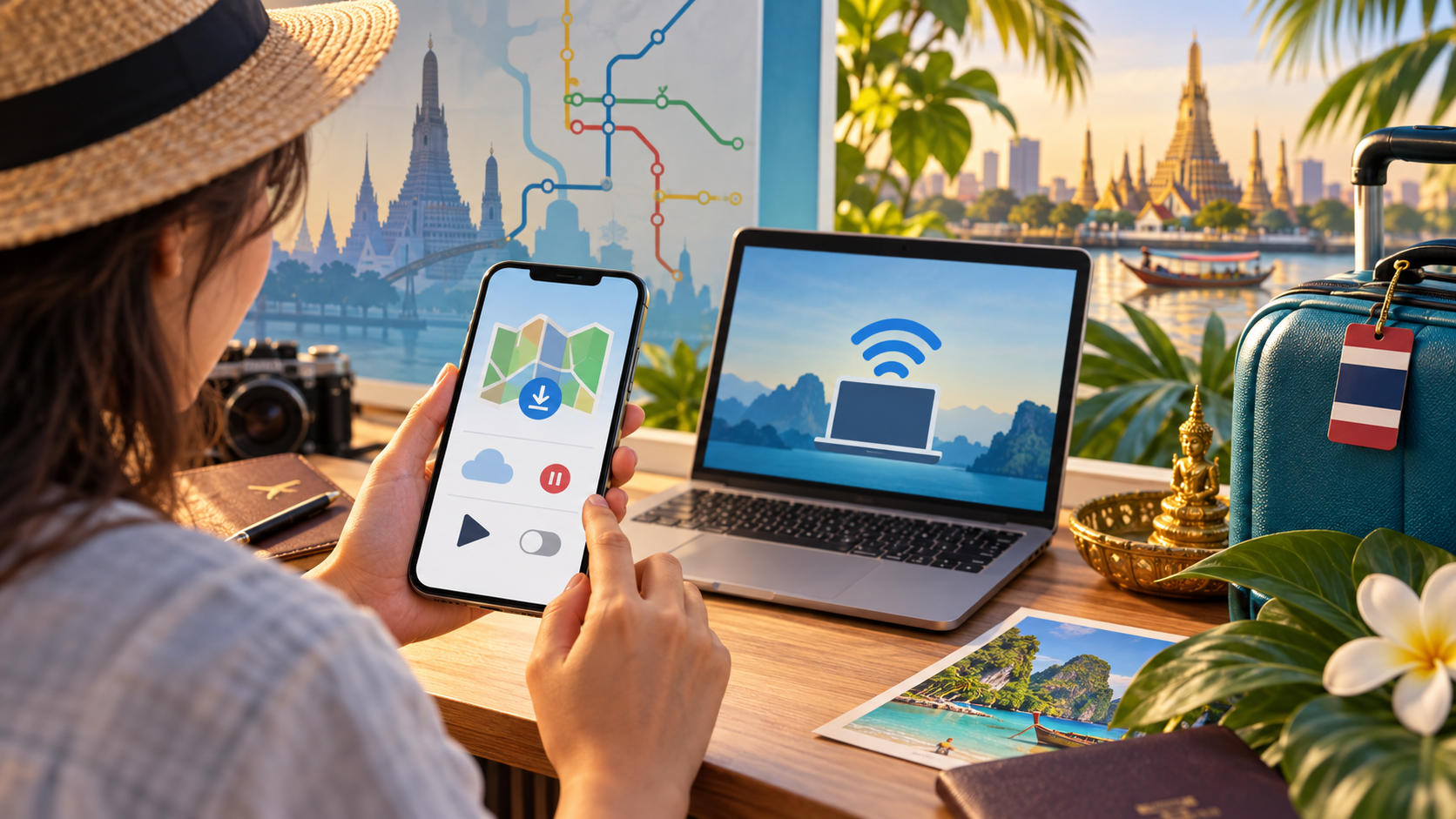
- Download essential maps on Wi-Fi. Google says offline Maps does not provide live traffic, alternate routes, or public-transport, walking and cycling directions, so keep some live data available.
- Turn off cellular photo backup. Original-quality videos can consume more data than the travel apps that created them.
- Disable automatic updates over mobile data. Let updates run on hotel or café Wi-Fi.
- Limit video autoplay. This usually matters more than saving a few map searches.
- Download audio and shows before leaving Wi-Fi. Offline entertainment helps on long transfers.
- Check hotspot connections. A laptop can quietly sync files or download updates.
- Review your first full day. Your phone’s own app-level statistics are more relevant than a generic calculator.
Check your actual data use
On iPhone, open Settings > Cellular or Settings > Mobile Data to see usage by app. On Android, labels vary, but look under Settings > Network & internet > SIMs or Settings > Connections > Data usage. Reset or note the starting figure when your trip begins.
Frequently asked questions
Is 5GB enough for a week in Thailand?
It can be enough for light use with Wi-Fi, maps, messaging, bookings and limited social media. Choose closer to 10GB if you upload photos daily or watch short video while sightseeing.
Is 10GB enough for two weeks in Thailand?
It can work for a Wi-Fi-led traveler, but 10–20GB is the more practical planning range. Choose 15–20GB when you use navigation, ride-hailing, social media and photo uploads every day.
Do I need Unlimited data in Thailand?
Not necessarily. Total data is usually enough for maps, messages and ordinary sightseeing. Unlimited is a better fit for frequent video, video calls, laptop hotspot use or unpredictable daily consumption.
Do Google Maps and Grab use a lot of data?
They use mobile data, but are usually less demanding than video streaming, cloud backup or hotspot use. Download offline map areas where practical while keeping live data available for traffic and updated routes.
Is hotel Wi-Fi enough for a Thailand trip?
It may cover evenings and large downloads, but it does not help while walking, transferring between cities, using a boat or waiting for a ride. A Thailand eSIM fills the gap between Wi-Fi locations.
Can I buy and install a Thailand eSIM before I fly?
Yes. Install it over stable Wi-Fi before departure. Validity begins when the eSIM first connects to a supported network in Thailand, not when it is installed abroad. See the eSIM installation guide.
Choose your Thailand eSIM data allowance
Start with your trip length, adjust for your real usage, then compare Total, Daily and Unlimited options.
View Thailand eSIM plansHigh-speed data, wherever your journey leads
Enjoy instant, secure mobile data with Ezigo eSIM in 200+ destinations. No physical SIM needed.