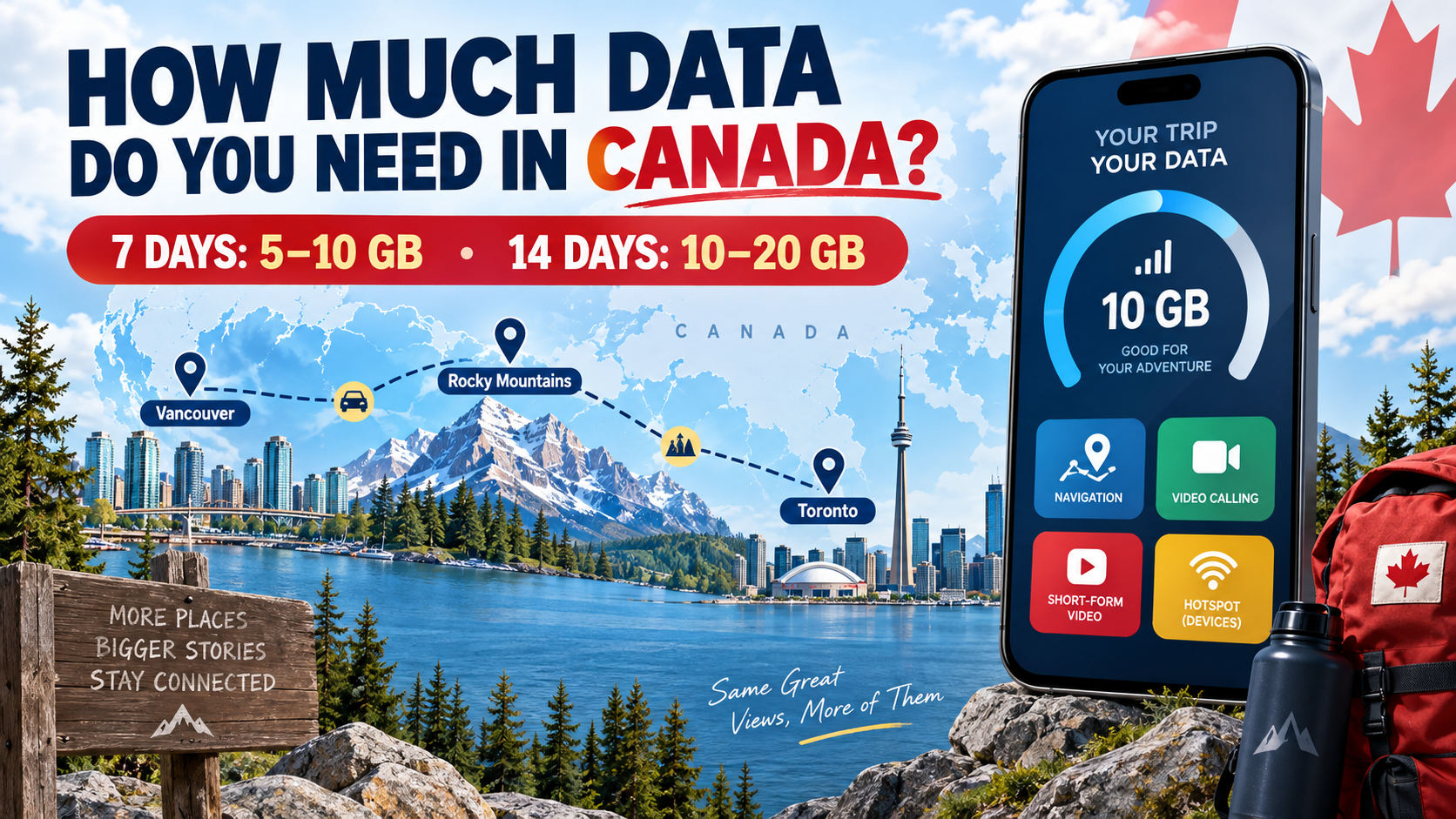
How much data do you need in Canada? For a typical trip, allow 5–10GB for seven days, 10–20GB for two weeks, or about 20GB for 30 days when long video sessions and backups stay on Wi-Fi. Frequent streaming, work calls, laptop hotspot use or several connected devices can make 50GB or Unlimited a better fit.
Who this guide is for: These ranges are for visitors choosing temporary travel data in Canada. A Canadian resident selecting a recurring monthly phone plan should use several months of personal cellular history and account for everyday home and work use. Ezigo sells the Canada eSIM plans discussed here; all figures are planning estimates, not guarantees.
Canada mobile data usage calculator
Choose a profile or enter the time you expect to spend on each activity while away from Wi-Fi. The result includes a 15% planning buffer.
Use your current phone data as the best baseline
The fastest way to estimate a Canada trip is to review how much cellular data you already use. On iPhone, open Settings > Cellular and review usage by app. Android labels vary, but the information is usually under Settings > Network & internet > SIMs or Connections > Data usage. Carrier records can provide the most accurate billing-period total.
Use 30–90 days when possible so one unusual week does not distort the result. Check the app breakdown too: a high total caused by home video streaming may not follow you to Canada, while road-trip navigation, passenger entertainment or work calls may increase your mobile-only use.
How much data do you need in Canada for 7, 14 or 30 days?
| Trip length | Light use | Regular tourist use | Heavy use |
|---|---|---|---|
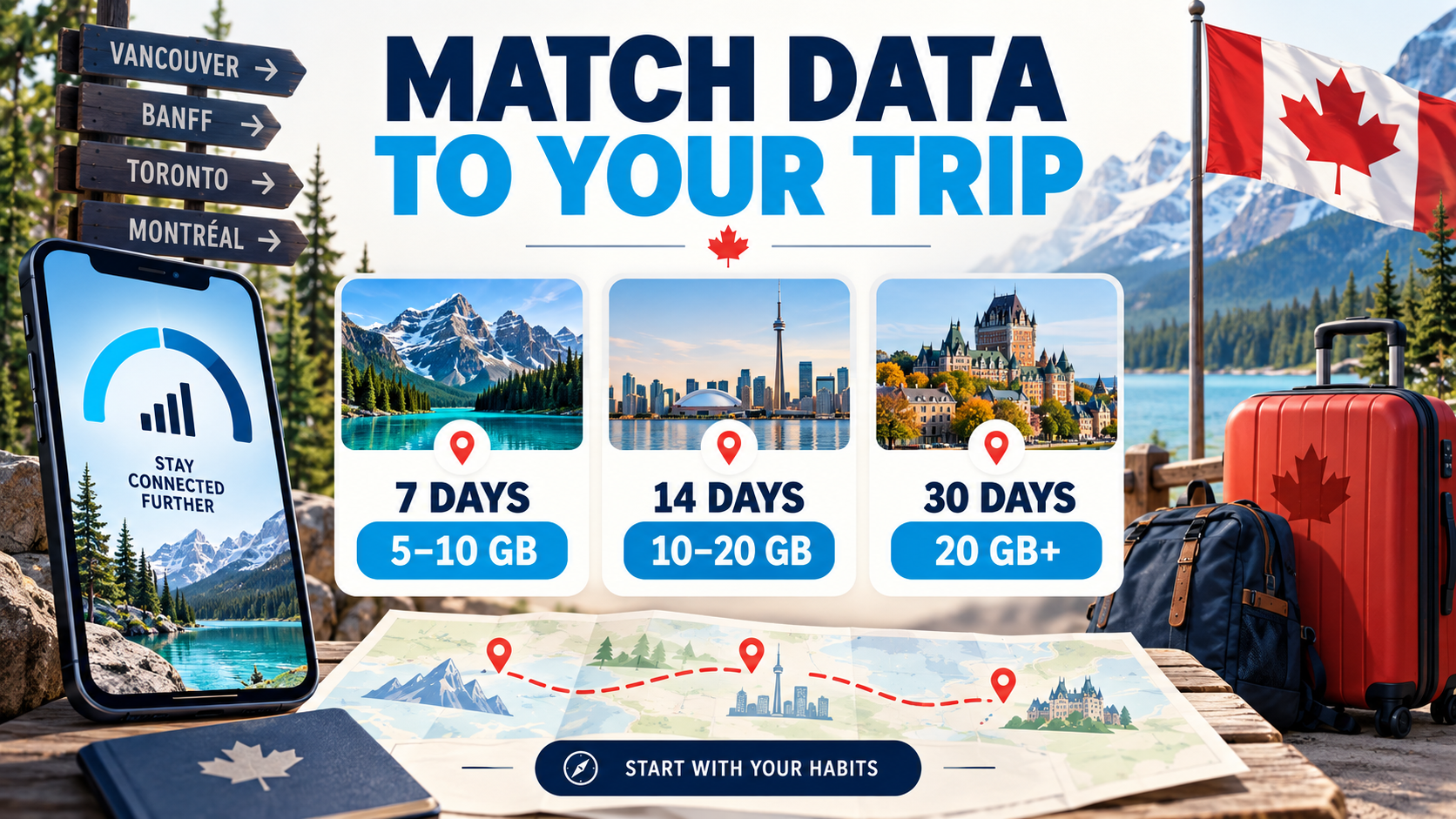
| 7 days | 1–3GB | 5–10GB | 15GB+ or Unlimited |
| 14 days | 3–5GB | 10–20GB | 20–50GB or Unlimited |
| 30 days | 5–10GB | 20GB+ | 50GB or Unlimited |
Light use assumes dependable accommodation Wi-Fi for video, downloads and backups. Regular use includes daily maps, messaging, browsing, restaurant research, social feeds and occasional clips. Heavy use includes frequent streaming, video meetings, large uploads, hotspot sharing or multiple devices.
How your Canada travel style changes the estimate
Maps, messages and social sharing
About 5–10GB for seven days is a comfortable range for navigation, bookings, messaging, browsing and occasional clips when accommodation Wi-Fi handles long video sessions.
Navigation, music and long travel days
Start around 5–10GB per week if maps and playlists are downloaded first. Consider 10–20GB when passengers will stream, upload video or share the connection.
Calls, cloud files and other devices
Compare 20–50GB with Unlimited. Video meetings, laptop updates and cloud synchronization create much larger swings than ordinary tourist use.
What uses the most mobile data in Canada?
Video quality, video calls, cloud uploads and hotspot use create the largest swings. Maps and messages matter because travelers use them every day, but they are usually much lighter than an hour of HD video.
| Activity | Planning amount | Basis and caution |
|---|---|---|
| Maps/navigation | About 5–10MB/hour | Editorial estimate; downloading offline areas reduces live use |
| Messaging, email and browsing | About 30–60MB/hour | Photos, attachments and autoplay increase it |
| Music at 160Kbps | About 72MB/hour | Calculated from Spotify’s listed bitrate |
| Social feeds/short video | About 200–500MB/hour | Highly variable by autoplay, resolution and uploads |
| Netflix medium quality | Up to 0.7GB/hour | Netflix official guidance |
| Netflix HD | Up to 3GB/hour | Netflix official guidance; 4K can reach 7GB/hour |
| Video calls | Roughly 0.5–3GB/hour | Varies by resolution, participants and adaptive quality |
| Hotspot/tethering | Highly variable | Computer updates and cloud sync can use several GB quickly |
These are planning inputs, not guaranteed consumption. For example, Spotify lists 160Kbps as its high-quality web-player setting; converting that bitrate gives roughly 72MB per hour before overhead. Zoom’s published requirements rise sharply from ordinary video to 1080p. Netflix lists up to 3GB per hour for HD and 7GB for 4K.

Is 5GB, 10GB or 20GB enough for Canada?
Is 5GB enough?
Five gigabytes can cover a light one-week trip or a tightly managed two-week trip. It is most suitable when you download maps, use hotel Wi-Fi for streaming and backups, and avoid long social-video sessions. It is not a comfortable default for daily video, work calls or laptop tethering.
Is 10GB enough?
Ten gigabytes is a safer seven-day allowance and can work for two weeks when Wi-Fi carries the heaviest activity. It gives more room for navigation, photo sharing and occasional video without immediately moving into heavy-use territory.
Is 20GB enough?
Twenty gigabytes is a strong starting point for a regular 14- to 30-day trip if long streams, backups and large work downloads remain on Wi-Fi. It provides more room for social video, photo uploads and changing Wi-Fi conditions without forcing every traveler into an Unlimited plan.
Is 1GB per day enough?
One gigabyte per day is usually enough for maps, messaging, browsing, music and moderate social media. A single long HD stream, extended video meeting or laptop update can use much of that daily amount, so travelers who expect those activities should compare a larger fixed allowance or Unlimited.
Canada-specific factors that change your estimate
- Long travel days: road trips and intercity transfers can increase navigation, music and passenger entertainment.
- Remote routes: a larger allowance cannot create coverage where there is no signal. Download maps before national parks and sparsely populated stretches.
- Accommodation Wi-Fi: reliable Wi-Fi reduces mobile streaming, but it does not help during transfers, hikes or roadside stops.
- Photo and video uploads: scenery-heavy trips can trigger large camera backups unless cellular syncing is disabled.
- Several devices: hotspot sharing multiplies consumption and can trigger background updates.
Google Maps supports offline areas, but its help page notes that offline mode does not include live traffic, alternative routes or public-transit, cycling and walking directions. Keep some live data for current routing while using downloaded maps as a safety net.
Which Canada eSIM data structure fits your usage?

Total Data
A fixed pool for the full validity period. Ezigo currently offers 1GB, 3GB, 5GB, 10GB, 20GB and 50GB options.
- Good value when you can estimate the full-trip total.
- Hotspot and tethering are supported.
- Recharge is supported if the allowance runs low.
2GB/day or 3GB/day
Each day starts with a fresh high-speed allowance. After 2GB or 3GB, data continues at 384Kbps until the next reset.
- Useful when consumption is similar each day.
- The high-speed allowance refreshes daily.
- The reduced-speed period keeps light tasks available until reset.
Unlimited
Ezigo currently provides 1GB high-speed per day, then data at up to 5Mbps until the next reset.
- No fixed-pool cutoff after the daily high-speed allowance.
- Up to 5Mbps supports maps, messaging, browsing and music, and can handle ordinary video calls or controlled-quality HD video under stable conditions.
- A strong fit when you prefer continuous service to monitoring a fixed balance.
Speed and data volume are different. Actual performance still depends on local coverage, congestion, device capability and how many devices share the connection. Compare the current terms on the Canada eSIM data plans , or read the broader Best eSIM for Canada guide if you are still comparing plan types and providers.
What happens if you run out of data in Canada?
If an Ezigo Total Data balance is nearly empty, you can recharge it through your account or by ICCID lookup. Daily and Unlimited plans follow a different model: they do not use a fixed-data recharge. After the daily high-speed allowance is used, data continues at the stated reduced speed until the next reset.
Check your balance before a long transfer, park visit or workday instead of waiting for service to slow. If the calculator lands close to the top of a fixed tier, choosing the next tier usually gives a simpler margin than planning an emergency recharge.
How to save and monitor mobile data
Seven settings that protect your allowance
- Download Canada map areas over Wi-Fi before road trips.
- Pause cellular photo and video backup.
- Set streaming apps to data-saver or medium quality.
- Disable app and operating-system updates over cellular.
- Download music and shows before leaving Wi-Fi.
- Inspect every device connected to your hotspot.
- Check app-level use after your first full day and revise your remaining daily budget.
On iPhone, go to Settings > Cellular or Mobile Data to review usage by app and reset the statistics at the start of your trip. On Android, labels vary, but the controls are usually under Settings > Network & internet > SIMs or Connections > Data usage. Your carrier’s account record is the best source for an exact billing-period total.
Before buying, also confirm that your phone is unlocked and eSIM-compatible. Use the device compatibility checker and the detailed guide to whether your phone will work in Canada. You can install an Ezigo Canada eSIM outside Canada over Wi-Fi; validity begins when it first connects to a supported Canadian network. See the eSIM installation guide.
Frequently asked questions
Is 5GB enough for a week in Canada?
Yes for light use with Wi-Fi, maps, messages, bookings and limited social media. Choose 10GB if you watch short video, upload photos daily or want a larger margin.
Is 10GB enough for two weeks in Canada?
It can work for a Wi-Fi-led trip, while 10–20GB is more forgiving for daily navigation, browsing, social media and occasional video.
Is 20GB enough for a month in Canada?
It is a practical starting point for regular travel use if streaming, backups and large work downloads stay mostly on Wi-Fi. Frequent video, work calls or hotspot use may make 50GB or Unlimited a better fit.
Is 1GB per day enough for Canada?
Usually, yes for maps, messages, browsing, music and moderate social media. Long HD streaming, video meetings and laptop hotspot use can push a day above 1GB.
How can I estimate data from my current phone use?
Review 30–90 days of cellular use, divide by the tracked days, multiply by your Canada trip length and add a 15% buffer. Then adjust for activities that will shift to or from Wi-Fi.
What happens if I run out of Canada eSIM data?
Ezigo Total Data plans support recharge. Daily and Unlimited plans continue at their stated reduced speed after the daily high-speed allowance and refresh at the next reset.
How much data does Google Maps use in Canada?
A planning estimate is roughly 5–10MB per hour of active navigation, but place photos, repeated searches and live features can increase it. Download offline map areas before remote routes.
Does Unlimited Canada eSIM data stay at full speed?
Ezigo Unlimited currently includes 1GB high-speed per day and then up to 5Mbps until the next reset. That speed supports many everyday travel tasks and can handle ordinary video use under stable network conditions.
Can I use a Canada eSIM as a hotspot?
Yes, Ezigo Canada plans support hotspot and tethering. Laptop updates, cloud synchronization and several devices can use data quickly, so add a generous buffer or compare Unlimited.
When does the Canada eSIM validity begin?
Validity begins when the eSIM first connects to a supported network in Canada, not when you install it abroad. Total Data validity uses continuous 24-hour periods; Daily and Unlimited allowances reset at 00:00 local time in Canada.
Choose a Canada eSIM allowance with room to spare
Once you know how much data you need in Canada, add your buffer and compare Total Data, daily high-speed allowances and Unlimited options.
View Canada eSIM plansHigh-speed data, wherever your journey leads
Enjoy instant, secure mobile data with Ezigo eSIM in 200+ destinations. No physical SIM needed.