Will my phone work in Europe? Often, yes—but “works” can mean different things. Before departure, check that the phone is carrier-unlocked, that the exact regional model supports the intended network, that it accepts the SIM or eSIM format you plan to use, and that the selected line or plan covers every country on your route.
A phone can connect to mobile data while still failing to provide traditional calls, SMS, a local number or affordable roaming. The checks below separate the device question from the plan question so you can choose a connection method without guessing.
Quick answer: will my phone work in Europe?
Use this four-point test before you travel:
- The phone is carrier-unlocked.
- The exact model and regional version support the intended network.
- The physical SIM or eSIM format matches.
- The line or plan covers every country on your itinerary.
Mobile data, traditional calls, SMS and your existing number can still have different requirements.
What “working” in Europe actually means
There are three separate conditions behind a successful connection:
- The device is technically compatible. Its radio bands, SIM hardware and software support the network and SIM format.
- The device is allowed to use another provider. A carrier lock can block a local SIM or travel eSIM even when the hardware is suitable.
- The line or plan covers the service you need. Data, traditional calls, SMS, roaming access and hotspot use may follow different rules.
This is why a phone may pass a frequency check but still fail during setup. Conversely, a phone that cannot accept an eSIM may still work with a compatible physical SIM or its original carrier’s roaming service. Compatibility is a chain, not a single yes-or-no specification.
Four checks before departure
1. Confirm that the phone is carrier-unlocked
A carrier-locked phone is restricted to the provider that sold or financed it. It may support that provider’s international roaming, but another provider’s SIM or eSIM can be rejected during activation.
On an iPhone, open Settings → General → About and find Carrier Lock. No SIM restrictions indicates that the phone is unlocked. Android menus vary by manufacturer, so ask the original carrier or test the phone with a different provider’s SIM when possible.
Do this before activating a travel eSIM. An eSIM QR code cannot remove a carrier lock, and deleting a profile will not solve an eligibility problem.
2. Check the exact model and regional version
Do not check only the family name, such as “iPhone 15” or “Galaxy S24.” Phones with the same retail name can have different LTE and 5G bands, SIM configurations or eSIM support in different markets.
Find the complete model number under Settings → About or on the original packaging. Compare that model with the manufacturer’s regional specifications and the bands used by the network or plan you intend to use. A device compatibility checker can provide an initial eSIM-support screen, but it is not a guarantee of network access or activation. If you need regular calls, check VoLTE support as well; data compatibility alone does not guarantee voice service.
A frequency checker can be useful for an initial screen. Kimovil’s Europe frequency checker can help identify possible band mismatches, but it is not a guarantee of coverage, speed or activation. The phone manufacturer and selected provider remain the final references.
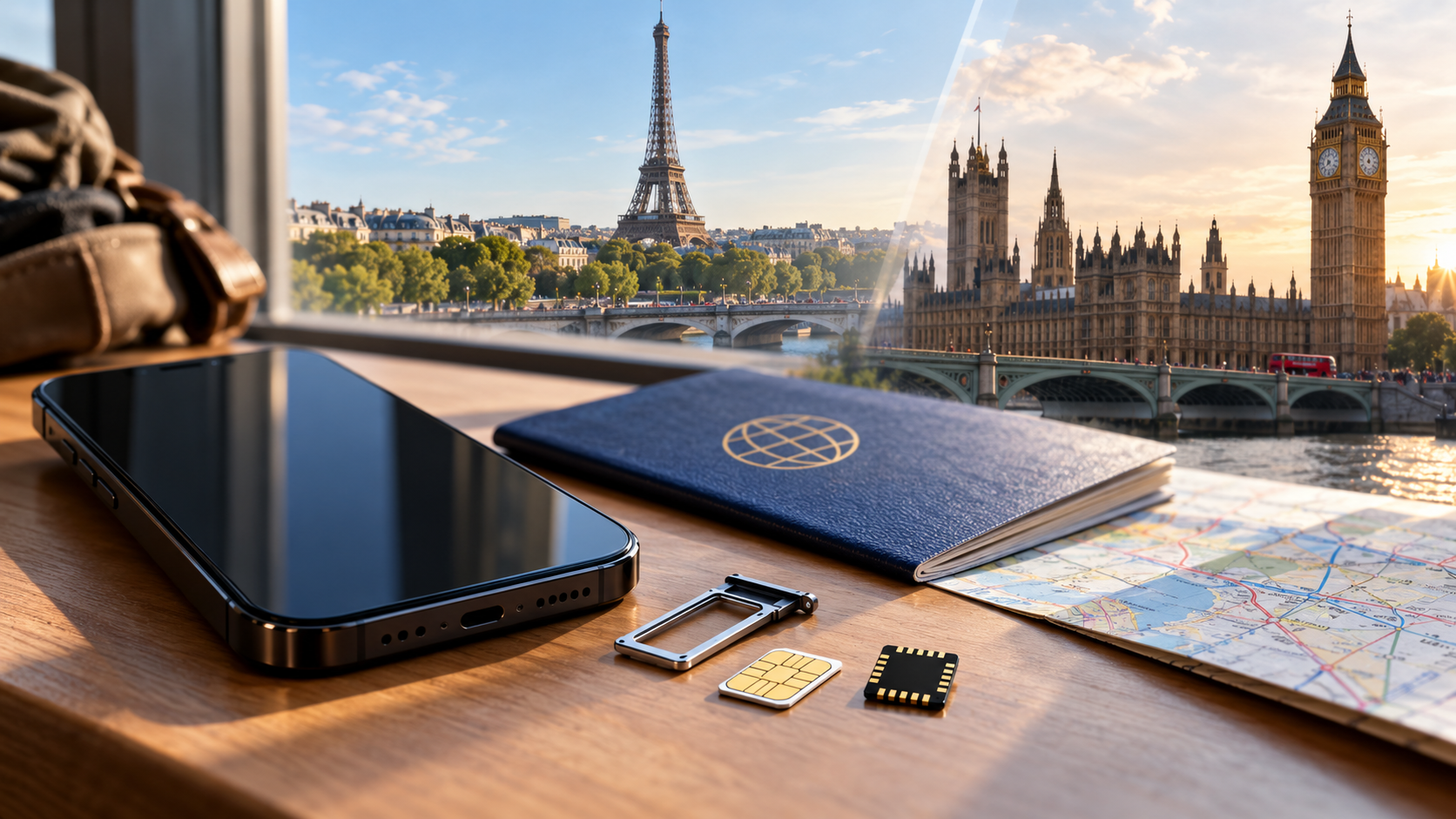
3. Confirm the SIM or eSIM format
An unlocked phone still needs the right kind of SIM. If you want to use an eSIM, look for an Add eSIM option and an EID in the device settings. The exact labels differ by operating system:
- iPhone: Settings → Cellular or Mobile Data → Add eSIM
- Samsung Galaxy: Settings → Connections → SIM manager → Add eSIM
- Google Pixel: Settings → Network & internet → SIMs → Add SIM
An EID confirms eSIM hardware, not carrier-unlock status or compatibility with every regional plan. Some market versions use two physical SIMs instead of eSIM, while some newer phones are eSIM-only. If the phone has no eSIM support, compare a physical SIM or home-carrier roaming instead of trying to force an eSIM installation.
4. Check the plan and route, not just the handset
The device determines whether it can connect. The line or plan determines whether it is allowed to connect, where it can connect and which services are included.
Before departure, check every destination on the itinerary, whether data, traditional calls and SMS are treated separately, whether a daily allowance, fair-use limit or speed reduction applies, whether hotspot or tethering is allowed, which partner networks the plan can use, and when billing or validity begins.
Turning on Data Roaming is a phone setting, not proof that your home plan includes Europe. It may allow a line to use a partner network, but the carrier’s terms still control the charge and allowance.
Will a US phone work in Europe?
The country where a phone was purchased is a useful warning sign, not a final verdict. The exact model, unlock status and plan matter more than the traveler’s nationality.
| Phone origin or situation | What may work | What needs extra attention |
|---|---|---|
| United States | Recent unlocked iPhones, Samsung Galaxy and Google Pixel models often support European mobile data | Confirm the exact US model, carrier unlock and whether it is eSIM-only |
| Canada | Many recent unlocked models have broad LTE or 5G support | Check the Canadian model’s bands and home-carrier roaming terms |
| EU, EEA, Australia or New Zealand | Many models share broad European network support | Do not assume the domestic plan or roaming allowance applies to the whole route |
| China mainland, Hong Kong or Macao | Some models support European data networks | Regional eSIM, physical-SIM and dual-SIM configurations can differ substantially |
| Older or budget phones | 4G data may work when the required bands are present | Check VoLTE, eSIM support and whether the device depends on legacy 3G |
This table is a screening guide, not a model-by-model guarantee. If the phone was bought for a specific carrier or market, verify the full model number before activating another line.
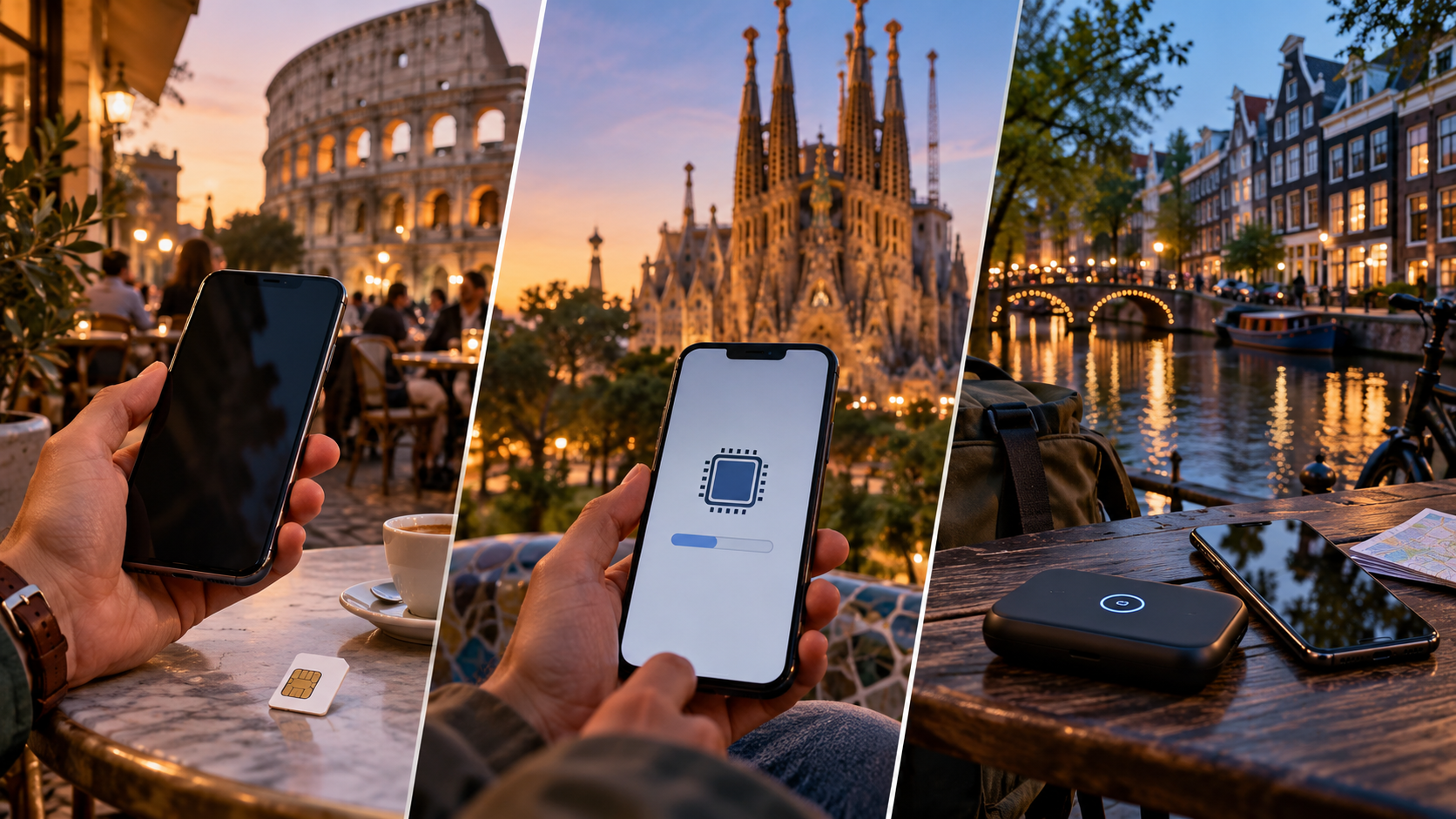
Roaming, local SIM, travel eSIM or Pocket Wi-Fi?
Once the phone passes the compatibility checks, choose the connection method based on the service you actually need.
| Option | Usually suits | Main advantage | Main limitation |
|---|---|---|---|
| Home-carrier roaming | Short trips with a confirmed European allowance | Keeps the home line and number with little setup | Price, speed and data limits depend on the home plan |
| Local SIM or eSIM | Longer stays in one country or travelers who need a local number | May include local voice, SMS and data | Registration and activation requirements vary |
| Regional travel eSIM | Unlocked eSIM phones used mainly for data across several countries | Can be installed before departure without swapping a physical SIM | May be data-only and limited to a published destination list |
| Pocket Wi-Fi | Groups or several devices sharing one connection | One connection can serve multiple devices | Extra hardware, charging and return logistics |
There is no universally best option. Roaming is simplest when the total cost and route coverage are already clear. A local SIM is more suitable when one country dominates the trip or a local number matters. A regional travel eSIM is often more convenient for a compatible phone on a multi-country route, but its data-only limits and country list still need checking.
Europe is not one network
“Europe” is a travel region, not a single mobile network or one universal roaming rule. EU and EEA destinations can have different consumer-roaming arrangements from the UK, Switzerland and Turkey. Norway and Iceland are part of the EEA framework, but that does not mean every travel plan automatically covers every European destination.
For US travelers, the EU’s Roam Like at Home rules should not be treated as an automatic free-roaming entitlement. They mainly regulate eligible EU/EEA subscriptions used temporarily in other covered countries. Your home carrier or travel plan may apply different terms.
For a regional eSIM, compare the published destination list, network access, validity and data behavior with every stop on your route. The Europe eSIM plans sets out those plan-level boundaries; a “Europe” label alone does not confirm coverage in the UK, Switzerland or Turkey.
The same distinction applies to a route that crosses France, Switzerland, the UK, Austria or Turkey. A phone may remain fully compatible while a Germany-only, UK-only or EU-only plan stops working at the border.

Can you keep your home number with a second line?
Often, yes, if the phone supports dual SIM. Keep the home line installed for your usual number and route mobile data through the travel line. WhatsApp, Signal, FaceTime and similar services can continue over data without changing the number registered to the app.
That setup does not make traditional calls or SMS free. The home carrier may charge when the home line connects to a foreign network, sends a message or answers a call. Before departure:
- Label the lines Home and Travel.
- Select Travel as the mobile-data line.
- Turn off automatic data switching if the phone offers that option.
- Keep roaming off for the home line unless its plan includes the route.
- Enable roaming on the travel line only when its instructions require it.
The result is different from using a local number. A data-only travel line can support app-based calls and messages, but it does not automatically provide conventional voice, SMS or emergency-call access under the same conditions as a local carrier plan.
Set up the phone before you leave
The easiest time to fix a compatibility problem is before departure, while you still have reliable Wi-Fi and access to your home carrier.
- Record the exact model number and check the carrier-lock status.
- Confirm physical SIM or eSIM support for the connection method you intend to use.
- Check the plan’s destination list, data rules, voice/SMS limits and validity trigger.
- Install a travel eSIM over stable Wi-Fi when the provider’s instructions allow it.
- Keep the QR email and order details available offline; do not delete a working eSIM unless support tells you to.
- After landing, select the travel line for mobile data and enable Data Roaming on that line if required.
- Test a map, browser page and messaging app before leaving the airport or station.
Installation and validity are not always the same event. A profile can be installed before a trip while its plan clock starts only after it connects to a supported network. Follow the instructions supplied with the selected plan.
What to do if your phone shows no service in Europe
Work through the settings in order instead of immediately deleting the eSIM or replacing the SIM:
- Confirm that the current country is included in the plan or roaming terms.
- Make sure the intended SIM/eSIM line is switched on and selected for mobile data.
- Check whether Data Roaming is enabled on that line when required.
- Leave network selection on automatic, then toggle Airplane Mode and restart the phone.
- Test outdoors or in another location to rule out indoor coverage or congestion.
- If the issue continues, contact the provider with the order number, exact phone model and screenshots of the SIM settings.
No service does not always mean that the eSIM profile is defective. The wrong data line, a disabled roaming setting, a carrier lock, a route boundary or weak indoor coverage can produce the same symptom. Deleting the profile should be a last step because the original QR code may not allow another installation.
Frequently asked questions
Can I use my phone in Europe?
Usually, if the phone is unlocked, the exact model supports the intended network, the SIM format matches and the selected line or plan covers the countries you will visit.
How do I check if my phone will work in Europe?
Check the carrier-lock status, full model number, LTE/5G bands, physical SIM or eSIM support, and the route and roaming terms of the plan. Test the intended line before departure if possible.
Will my iPhone or Android phone work in Europe?
Many newer models can, but the operating system name is not enough to confirm compatibility. Check the exact regional version, unlock status, SIM format and required network bands.
Can I use a US phone in Europe?
Often. A recent unlocked US phone may support European mobile data, but confirm the exact model, eSIM-only status, network bands and whether the chosen line includes Europe.
Does my phone need to be unlocked for a travel eSIM?
Usually, yes. A carrier-locked phone may reject another provider’s eSIM even when the phone has eSIM hardware. Ask the original carrier about unlocking before departure.
Can I keep my home number while using a travel eSIM?
Often, on a dual-SIM phone. Keep the home line installed for the number and route data through the travel eSIM, but check whether calls, SMS or background connections can trigger home-carrier roaming charges.
Do I need roaming for a travel eSIM in Europe?
Sometimes. Some travel eSIMs require Data Roaming on the travel line to connect to partner networks; others use different activation instructions. Enable it only on the intended travel line and follow the plan’s terms.
What should I do if my phone has no service after landing?
Check destination coverage, line selection, Data Roaming, network selection and restart the phone. If the issue remains, contact support with the exact model and SIM settings before deleting the eSIM.
Final decision before you travel
So, will my phone work in Europe? It probably will if it is unlocked, the exact model supports the intended network, the SIM format matches and the line includes your route. Home-carrier roaming suits a confirmed allowance, a local SIM suits travelers who need a local number, and a travel eSIM suits compatible phones used mainly for mobile data across listed destinations.
Sources and verification
- Apple Support: How to unlock your iPhone for use with another carrier
- Apple Support: Use eSIM while travelling internationally
- Kimovil: Europe phone frequency checker
- European Union: Mobile roaming costs and fair-use guidance
Carrier policies, network access and device support can change. Recheck the official information for the exact phone and selected plan before travel.

High-speed data, wherever your journey leads
Enjoy instant, secure mobile data with Ezigo eSIM in 200+ destinations. No physical SIM needed.