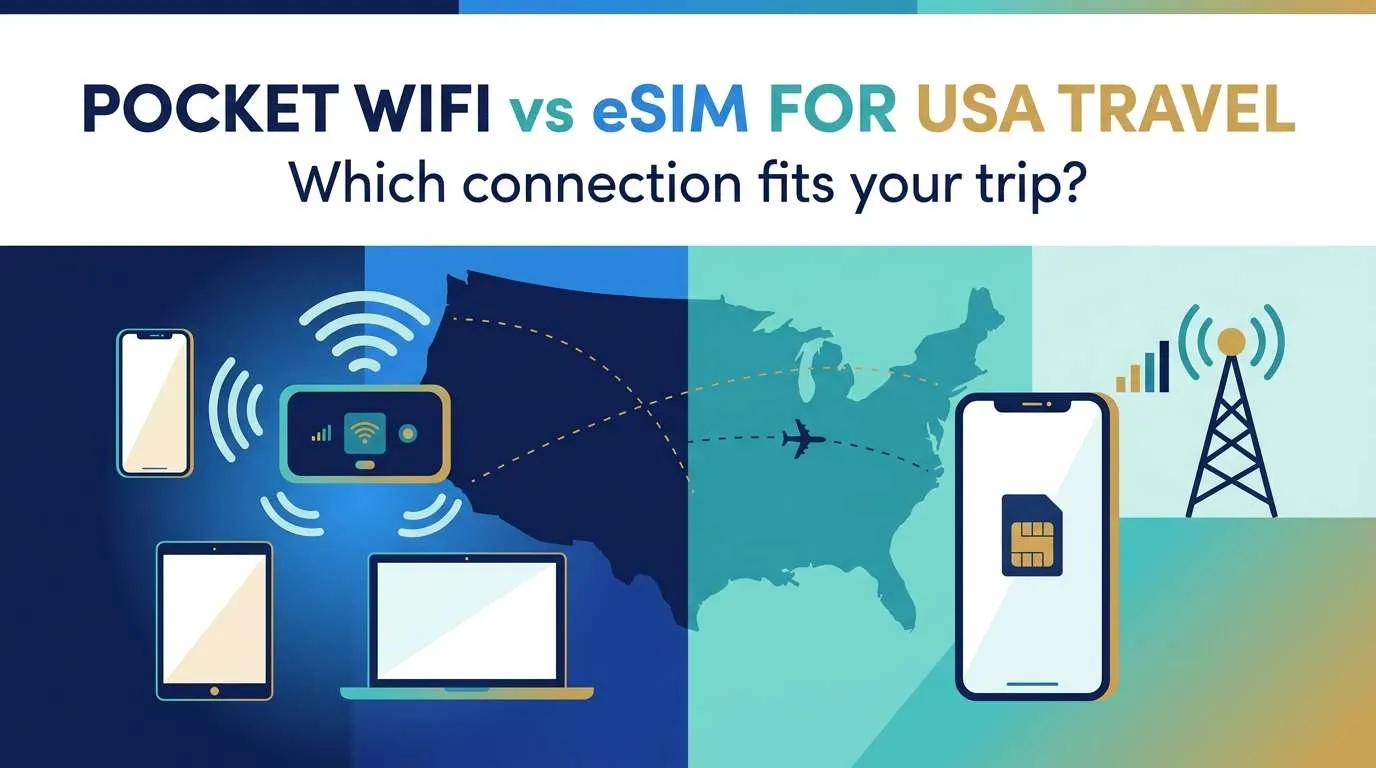
The pocket WiFi vs eSIM USA comparison starts with how many devices must connect and whether the group stays together, not a “best” badge. For one compatible, unlocked phone doing maps, messages and bookings, a travel eSIM is usually the simplest setup. A pocket WiFi earns its place when several phones, tablets or laptops need one shared connection and everyone remains nearby. Whichever way you lean, verify tethering terms, data-allowance mechanics and route coverage before paying.
The decision really comes down to four questions: How many devices must be online at once? Will your group split up? Is the connection for light phone use or laptop-level work? And does your route reach rural roads or national parks?
Updated October 17, 2026 · verify live prices and terms before purchaseCommercial disclosure: Ezigo publishes this guide and sells data-only USA travel eSIMs. The comparison below also explains when renting or buying a pocket WiFi is the more suitable choice.
Pocket WiFi vs eSIM USA: what each option actually is
A pocket WiFi is a separate battery-powered hotspot. It receives cellular service and distributes it over Wi-Fi, so phones, tablets and laptops can use the same connection. An eSIM puts mobile data directly on one compatible phone, which can sometimes share it through its own hotspot feature — but that adds a dependency on the phone staying nearby, charged and tethering-enabled.
| Consideration | Pocket WiFi | Phone eSIM |
|---|---|---|
| What it is | A separate battery-powered hotspot that creates one shared Wi-Fi network | Mobile data installed directly on one compatible phone |
| Devices at once | Several phones, tablets and laptops while they stay near the router | One handset by default; more only if tethering is permitted |
| US phone number | No | Usually no (most travel eSIMs are data-only) |
| Cost structure | Daily rental plus data, deposit and pickup/return — or an up-front device purchase | One-time data package with no deposit and no return |
| Main failure point | Battery, range and a single shared device | Phone battery, handset compatibility and any tethering rule |
| Best for | Groups that stay together and need several devices online | A data-first traveler with one compatible, unlocked phone |
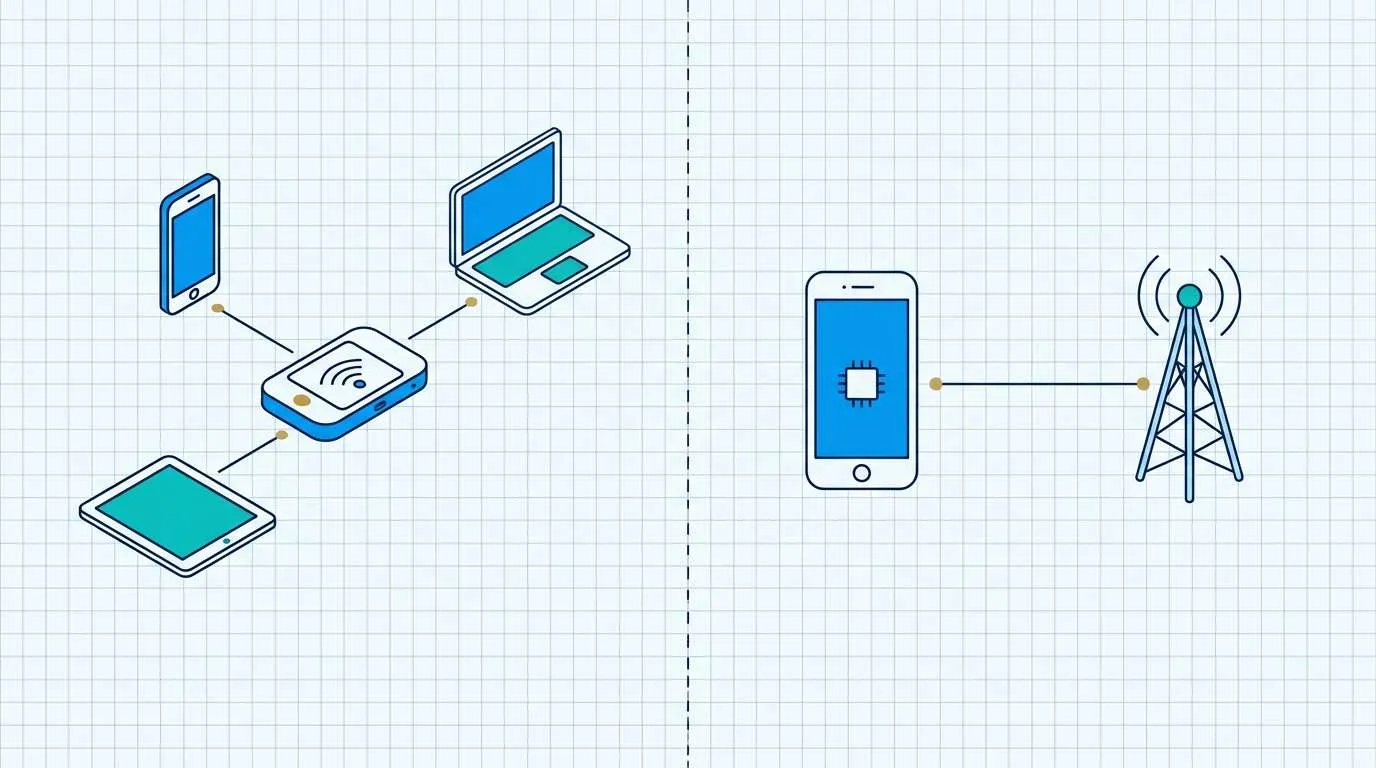
In the pocket WiFi vs eSIM USA comparison, that distinction matters more than the label on the product: a shared hotspot adds a device to manage, while an eSIM concentrates the connection on one handset.
Pocket WiFi rental, buying a hotspot and an eSIM: the cost components
Prices move, so compare the structure of the cost rather than a single headline number. A portable WiFi rental USA trip is typically priced as a daily device fee plus a data allowance, then a deposit and a pickup or return step. The real cost is the number of travel days multiplied by the daily rate, plus any data top-up and any return or late fee.
Run the three paths against your own trip before trusting a comparison table:
- Short, one-country stay: a rental’s daily fee and return task add up faster than a small data package.
- Repeated or long travel: buying a hotspot can beat paying a daily rental on every trip.
- One phone, light data: an eSIM removes the deposit, pickup and return entirely.
Compare the failure points before comparing the price
A shared hotspot adds a device to collect, charge and keep within range. If it is left in a hotel room or travels with another part of the group, every connected device loses service. A phone eSIM reduces the number of objects to manage, but it concentrates the connection on one handset and can increase that handset’s battery load if tethering runs for long periods.
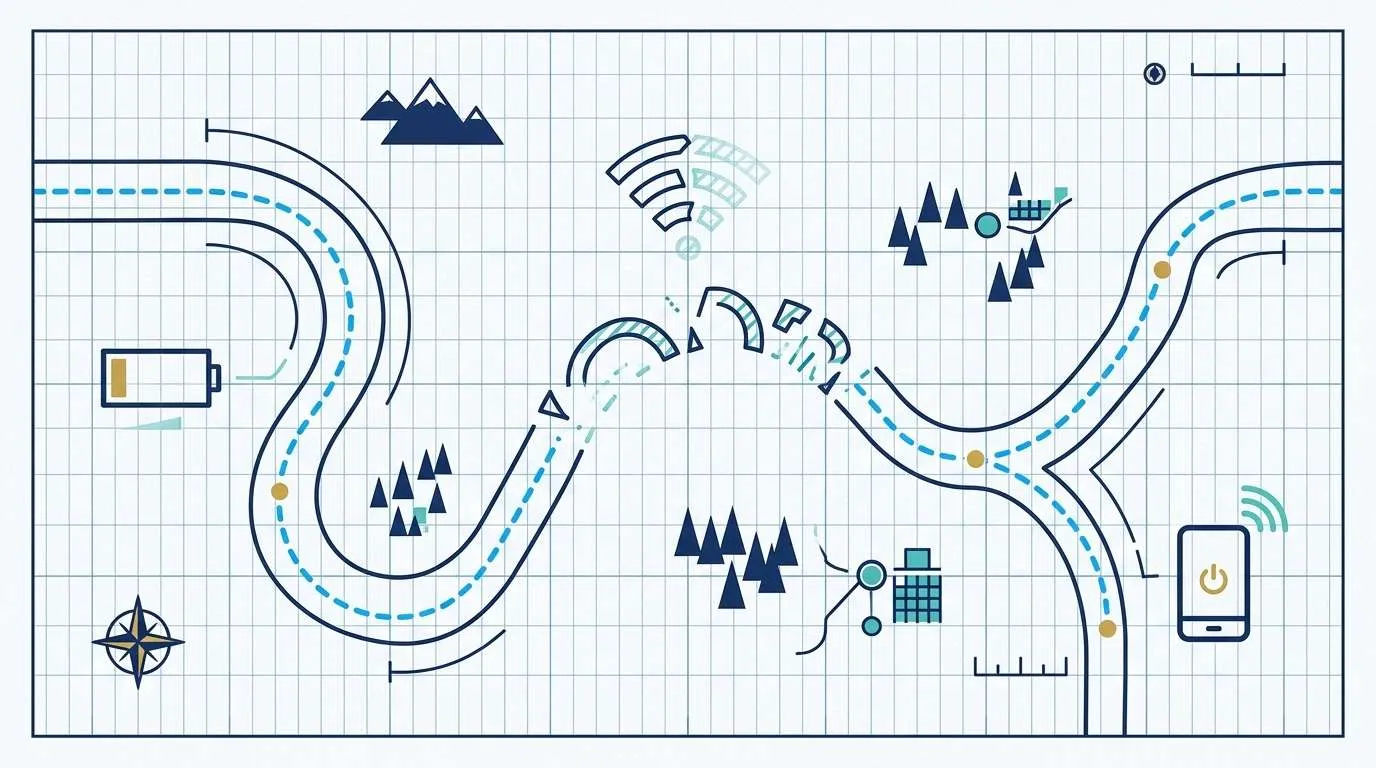
The US also has wide variation between urban travel, long highway days and rural stops. Neither form factor guarantees coverage in a particular place. A sensible check is whether the provider identifies the underlying network, describes any high-speed allowance, and states how it handles roaming or areas with weaker service.
Where a traveler is deciding whether to use a phone rather than carry another device, a USA travel eSIM is relevant as a device-level connection method. It does not remove the need to verify handset compatibility, whether it provides a local number, or tethering terms before assuming it can serve a group.
Match the data format to the actual workload
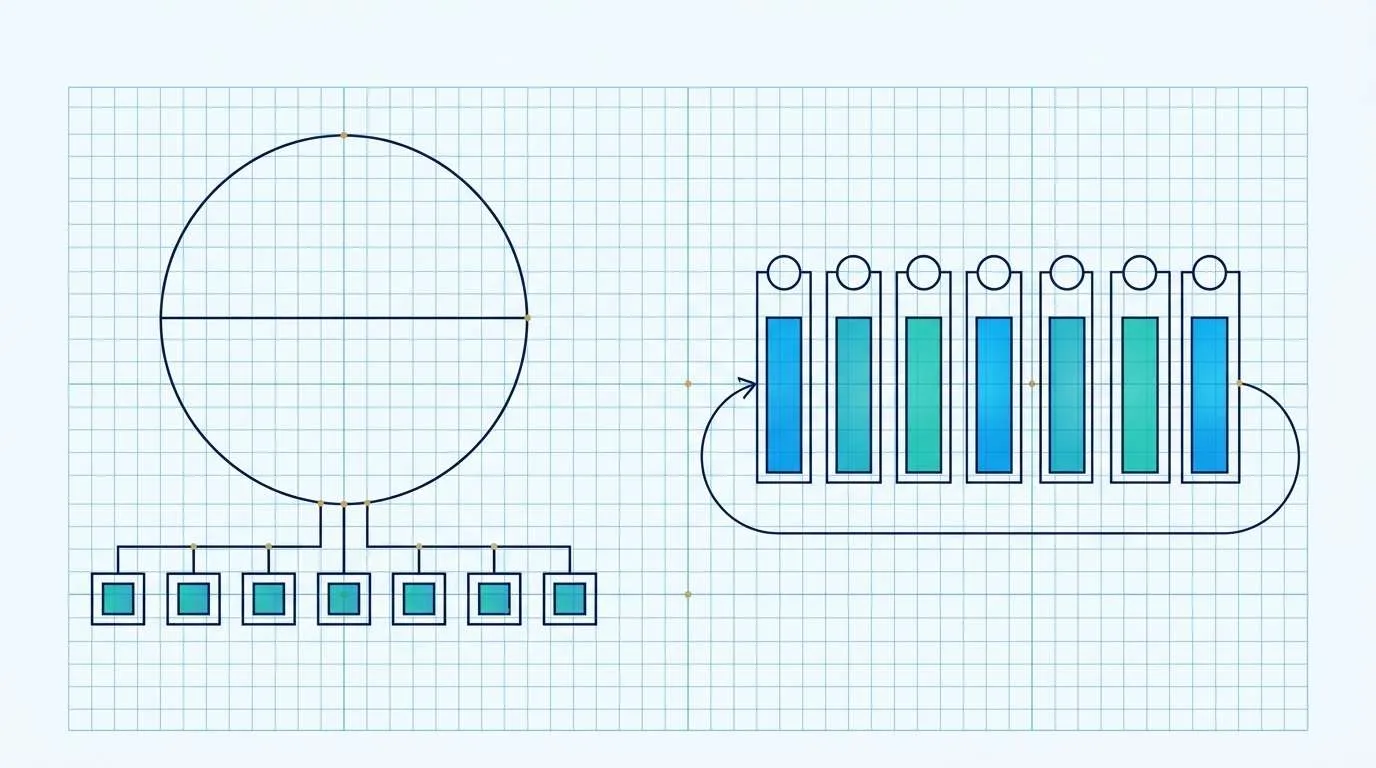
A map check, messaging and occasional ticket lookup create a different load from a laptop video call, cloud backup or a family streaming session. The relevant technical question is whether the plan uses a fixed total allowance, a daily high-speed allowance, a speed-management rule, or some combination of these. Those terms determine when service may slow or stop, not the marketing label attached to the service.
When reviewing USA eSIM data plans, distinguish a total data pool from a daily allowance and verify whether hotspot sharing is permitted for the selected configuration. That is a specification check: it helps determine whether one phone can carry the intended workload, rather than suggesting a particular option for every trip. For a provider-by-provider comparison of eSIM plans, see the separate best eSIM for USA guide.
Choose by trip pattern
The Pocket WiFi vs eSIM decision comes down to the fewest moving parts that still support the work you expect to do. Use the row that matches the heaviest task on the trip, not the lightest one.
| Trip pattern | Test this setup first | Main failure point | Keep offline |
|---|---|---|---|
| One compatible phone for maps and messages | Phone eSIM on the primary handset | Battery, compatibility and any tethering rule | Map area, booking records and hotel address |
| Family or group sharing several devices | Pocket WiFi or a confirmed tethering plan | A shared device leaving with another traveler | Meeting place and contact plan |
| Laptop or tablet work on the move | Tethering permission or a separate hotspot | Phone battery and connection range | Files needed for the day |
| Long stay of several weeks or months | Buying a hotspot or a larger data plan | Daily rental costs outgrowing an up-front purchase | Offline map regions for the trip |
| Time-sensitive work | Primary connection plus a known fallback | One device becoming a single point of failure | Contacts, documents and local access details |
Then run a small resilience test: what happens if the phone battery is low, the hotspot is separated from the group, or cellular service is weak? A plan that only works under ideal conditions is less useful than one whose limits are understood before the trip starts.
Check whether your phone will work before you choose
Compatibility decides the eSIM side of this comparison, and it is easy to get wrong. Complete these checks before paying for any plan:
- Carrier lock: the phone must be unlocked to use a travel eSIM or another provider. On an iPhone, check Settings > General > About for “No SIM Restrictions” next to Carrier Lock.
- eSIM support: confirm the exact model and regional version support eSIM, not just the phone family name.
- Tethering permission: if you plan to use the phone as a hotspot instead of carrying a pocket WiFi, check whether the plan allows it and at what data cost.
- Dual-SIM behavior: if you want to keep a home line active alongside the travel data, verify the model supports the combination you need.
If the phone is locked or not eSIM-compatible, a pocket WiFi becomes more relevant because it does not depend on the handset’s SIM capabilities.
Coverage reality: the form factor does not decide your signal
A pocket WiFi and a phone eSIM both ride on a cellular network, so neither creates coverage where the underlying network has no usable signal. Check the partner network behind either option against your route, overnight stops and any park or rural segment — not against a single city result.
Urban performance does not predict rural roads. If a plan can use more than one US network, automatic network selection can help, but it is not a guarantee. Before a low-signal day, download offline maps and save accommodation, fuel and emergency details.
Set up your connection before you fly
Preparation prevents most arrival-day problems, but the correct timing depends on the product.
- Check the phone first. Confirm unlocked status and eSIM compatibility if you are considering an eSIM.
- Confirm activation timing. Some travel eSIMs activate on purchase, others on first connection at the destination. For a pocket WiFi rental, confirm pickup, delivery and return logistics.
- Read the data rule. Know whether the plan uses a fixed total, a daily high-speed allowance or a speed-management rule, and whether tethering is allowed.
- Save the essentials offline. Keep maps, addresses, booking records and the activation instructions available without a connection.
- Plan a fallback. Decide what happens if the phone battery dies or the hotspot is separated from the group.
For device-specific eSIM steps, use the eSIM installation guide rather than deleting a profile or rescanning a one-time QR code during troubleshooting.
Frequently asked questions
Can a phone eSIM replace a pocket WiFi?
It can for a compatible phone and a suitable data allowance, particularly when only one handset needs data. It is not automatically equivalent when several laptops, tablets or travelers need independent access.
Does a pocket WiFi work better in rural USA?
The form factor itself does not determine rural coverage. Check the network, location-specific coverage information, device compatibility and the provider’s current terms.
Is tethering the same as using a pocket WiFi?
Both can share a cellular connection over Wi-Fi, but tethering depends on a phone while a pocket WiFi is a separate device with its own battery and placement constraints.
Can a US eSIM share its data with other devices?
Only if the specific plan permits it. Some eSIM configurations disable or restrict hotspot and tethering, so confirm the sharing rule for the exact plan before relying on one phone to carry a laptop or a second traveler.
What should be checked before departure?
Confirm device compatibility, data allowance mechanics, hotspot permission, charging needs, coverage expectations and an offline backup for essential travel information.
Pocket WiFi vs eSIM USA: choose the connection that fits the whole trip
The right answer for pocket WiFi vs eSIM USA depends on the trip, not on a universal winner. A travel eSIM is the simplest path for one compatible, unlocked phone; a pocket WiFi earns its place when several devices must share one connection and the group stays together. Compare the cost structure, the failure points and the route coverage, then verify tethering, activation timing and allowance rules before paying.
Need data on one phone for your USA trip?
Compare the allowance, validity, partner network, activation timing and hotspot terms before checkout.
View current USA eSIM plans
High-speed data, wherever your journey leads
Enjoy instant, secure mobile data with Ezigo eSIM in 200+ destinations. No physical SIM needed.