If you are comparing mobile internet in USA for tourists, start with the trip requirement rather than the technology. For most short visits, a travel eSIM is the easiest option on an unlocked, compatible phone. Choose a US prepaid SIM or carrier eSIM if you need an American phone number, Pocket WiFi if several devices will stay together, or home-carrier roaming if your existing plan offers a reasonable full-trip pass. Public WiFi is useful as backup, but it is not a substitute for mobile data while navigating, driving or moving between cities.
The right answer depends less on the technology than on four questions: Do you need a US number? How many devices must connect? Will your group separate? And does your route include rural roads or national parks?
Updated October 11, 2026 · verify live prices and terms before purchaseCommercial disclosure: Ezigo publishes this guide and sells data-only USA travel eSIMs. The comparison below also explains when a local carrier plan, roaming pass or Pocket WiFi is the more suitable choice.
Mobile internet in USA for tourists: five options compared
Start with the service you need, then compare providers inside that category. A cheap data-only plan and a carrier plan with a US number are not like-for-like products.
| Option | Best for | Setup | US phone number | Sharing with other devices | Cost predictability | Main limitation |
|---|---|---|---|---|---|---|
| Travel eSIM | Short trips, one compatible phone, data-first travel | Buy online and install digitally | Usually no | Often possible, but plan and device rules apply | Usually high when allowance and validity are fixed | Requires an unlocked, eSIM-compatible phone |
| US prepaid SIM or carrier eSIM | Longer stays, ordinary calls, SMS or a local number | Online activation or in-store setup | Often yes | Depends on plan hotspot allowance | Medium; taxes, activation and renewal terms may apply | More setup and product rules to check |
| Home-carrier roaming | Very short trips or an inclusive roaming pass | Enable through your current carrier | Keeps your home number | Depends on carrier | High only when the full-trip charge is clear | Daily fees or limited high-speed data can become expensive |
| Pocket WiFi | Families, groups and several WiFi-only devices | Rent or buy a portable router | No | Yes, while devices stay near the router | Medium; rental, delivery and return costs may apply | Another device to carry, charge and keep together |
| Public WiFi | Backup access at hotels, airports and cafés | Join each available network | No | Not a personal shared connection | Low direct cost | No continuous connection while moving |
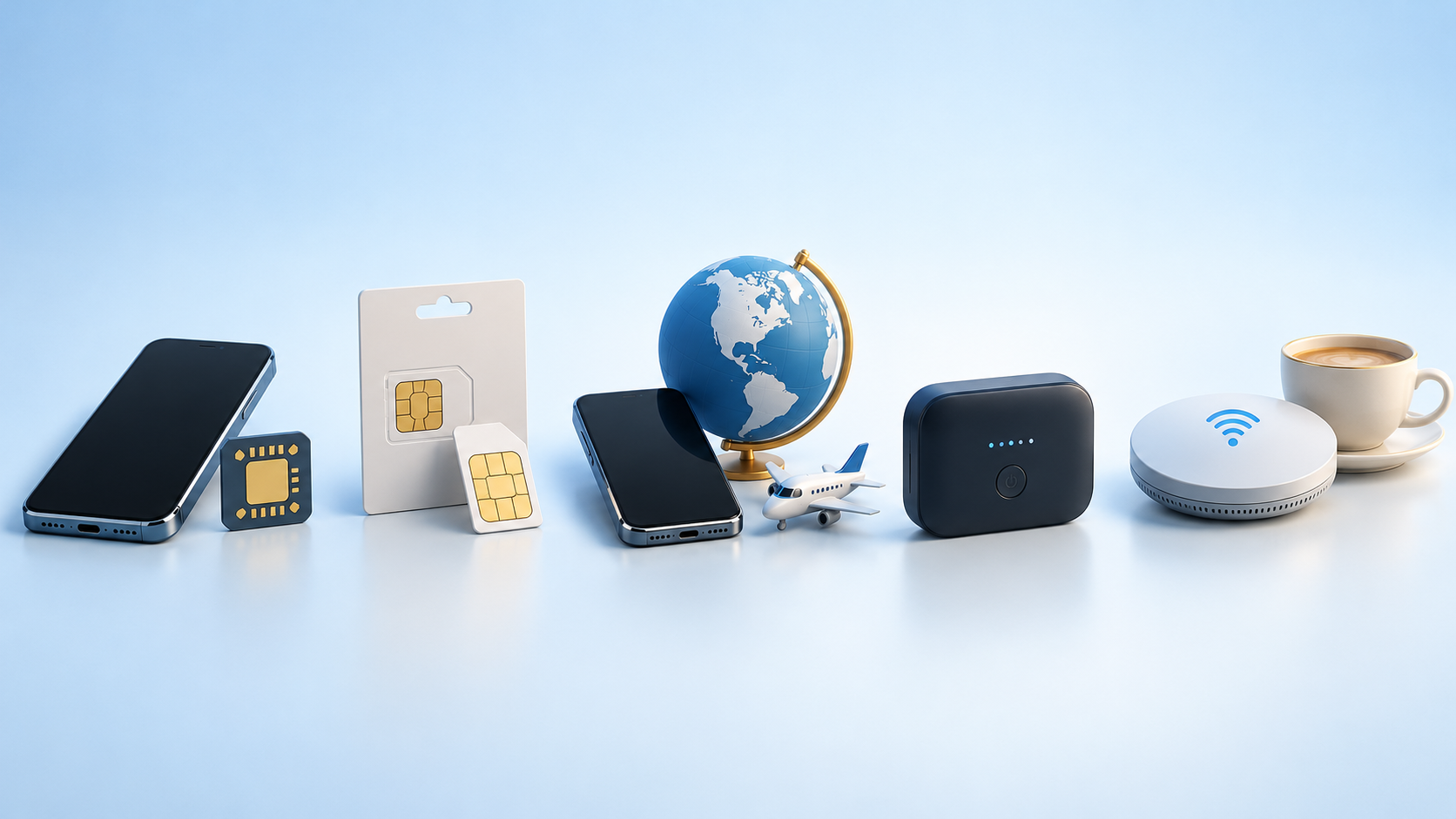
There is no universal winner. The most practical option is the one that covers your whole itinerary and provides the right combination of mobile data, phone number, hotspot access and setup support.
Choose the internet option by your trip, not by the technology
The same traveler might make a different choice for a three-day city break and a three-week road trip. Use these scenarios as a first filter.
A three- to seven-day city break
A travel eSIM is usually the simplest starting point if the phone is unlocked and eSIM-compatible. It can provide data for maps, ride-hailing, bookings and app-based messages without a store visit or physical SIM swap. Home roaming can be equally convenient when a low-cost pass already covers the entire trip.
A longer stay or a trip that needs a US number
Compare a US prepaid SIM or carrier eSIM. A local number can help when you expect ordinary domestic calls, conventional SMS or local contacts that do not use internet-based messaging. Do not assume every travel eSIM includes these services; many are data-only.
A family or group carrying several devices
Pocket WiFi can make sense when everyone stays together and several phones, tablets or laptops need one shared connection. Individual eSIMs are usually easier if people may split up, because the person carrying the router otherwise takes the connection with them.
A road trip or national-park itinerary
Choose by route coverage rather than by a national slogan or a single city result. Check the underlying network used by the plan against the roads, towns and parks on the itinerary. Download offline maps and save accommodation, fuel and emergency information before leaving a covered area.
A very short trip with a clear roaming pass
Roaming may be the least complicated option when your home carrier states the total price, data allowance and hotspot policy in advance. Compare the cost for the whole trip, not only the daily headline rate.
When a travel eSIM is the easiest way to get mobile internet in the USA
A travel eSIM is well suited to visitors who mainly need data and want to prepare before departure. It leaves the physical SIM slot free, can work alongside a home line on compatible phones and removes the need to find a shop after landing.
Before buying, check four details:
- Phone eligibility: the exact model must support eSIM and be carrier-unlocked.
- Service type: confirm whether the plan is data-only or includes a phone number, calls and SMS.
- Network and route: identify the US partner network or networks and compare them with the itinerary.
- Plan rules: read validity, high-speed allowance, reduced-speed policy, hotspot support and activation timing separately.
Activation timing matters. Some travel eSIMs can be installed in advance and begin validity only when they first connect at the destination. Other products activate at purchase or installation. For example, T-Mobile’s current U.S. Pass page says purchase activates the plan instantly and instructs travelers to buy after landing. Never assume one provider’s timing applies to another.
Travel eSIM prices also vary by allowance and plan model, so compare the tier you will actually use rather than the lowest advertised starting price. If you have already decided on this category, the separate best eSIM for USA guide compares providers and plan structures without turning this decision guide into another ranking.
When a US prepaid SIM or local carrier eSIM is better
Choose a US carrier plan when the local number is part of the requirement, not an optional extra. This is often relevant for longer stays, conventional calling, outgoing SMS, business contact or situations where a local service expects carrier-based communication.
The US market mixes short visitor passes with ordinary monthly prepaid service. That means the first payment may include more than data: talk and text, a hotspot allowance, taxes, activation terms or an automatic renewal rule. A physical SIM may also be preferable for a phone without eSIM or for a traveler who wants staff to test the connection in store.
For buying channels, registration questions and carrier-plan details, use the dedicated prepaid SIM card USA for tourists guide.
When home-carrier roaming is worth using
Roaming is worth considering when it is already included or when a travel pass is competitive for the full stay. It also keeps your usual line active without installing another profile, which can be valuable on a one- or two-day visit.
Before enabling it, ask your carrier five specific questions:
- Is the United States included in this exact plan?
- Is the charge daily, per billing cycle or per amount of data used?
- How much high-speed data is included before service slows or stops?
- Are hotspot use, calls and voicemail charged separately?
- Does a daily fee apply automatically when the line uses background data?
Roaming becomes harder to justify when a daily fee repeats across a long trip. It can still be the right choice when avoiding setup matters more than price.
Pocket WiFi and phone hotspot: useful when devices must share data
Pocket WiFi is a portable cellular router. It creates a private WiFi network for nearby phones, tablets and laptops, but it still depends on the mobile network underneath. It cannot create coverage where that network has no signal.
It works best when a group remains together and wants one shared allowance. The trade-offs are practical: the router needs charging, everyone must stay within range, and a rental may involve delivery, collection, deposit or return arrangements. Check the maximum number of devices, high-speed allowance and battery expectations before booking.
A phone hotspot removes the extra router, but it uses the phone’s battery and the same mobile-data allowance. eSIM technology can support tethering; the actual result depends on the phone, plan and network policy. Do not assume every travel eSIM or carrier plan permits unlimited hotspot use.
For couples who sometimes separate, two independent data plans are usually more resilient than one router. For a family traveling in one vehicle with tablets and a laptop, Pocket WiFi may be easier to manage.
Public WiFi is useful backup, not a complete travel connection
Hotel, airport, café and library WiFi can reduce mobile-data use and help with large downloads. It is less useful for navigation between locations, ride-hailing outside a venue or urgent changes while on the road because availability, speed and login requirements vary.
Public WiFi should not be described as automatically unsafe. The US Federal Trade Commission says that widespread encryption means connecting through a public WiFi network is usually safe. Sensible precautions still matter: verify the network name, look for HTTPS, keep devices updated, use strong passwords and two-factor authentication, and be alert to fake websites. A padlock shows that the connection to a site is encrypted; it does not prove the site itself is trustworthy.
Use public WiFi to supplement a mobile plan, not as the only way to stay connected throughout a multi-stop trip.
Check whether your phone will work in the USA before you buy
Compatibility is more than seeing a 5G logo. Complete these checks before paying for any SIM or eSIM:
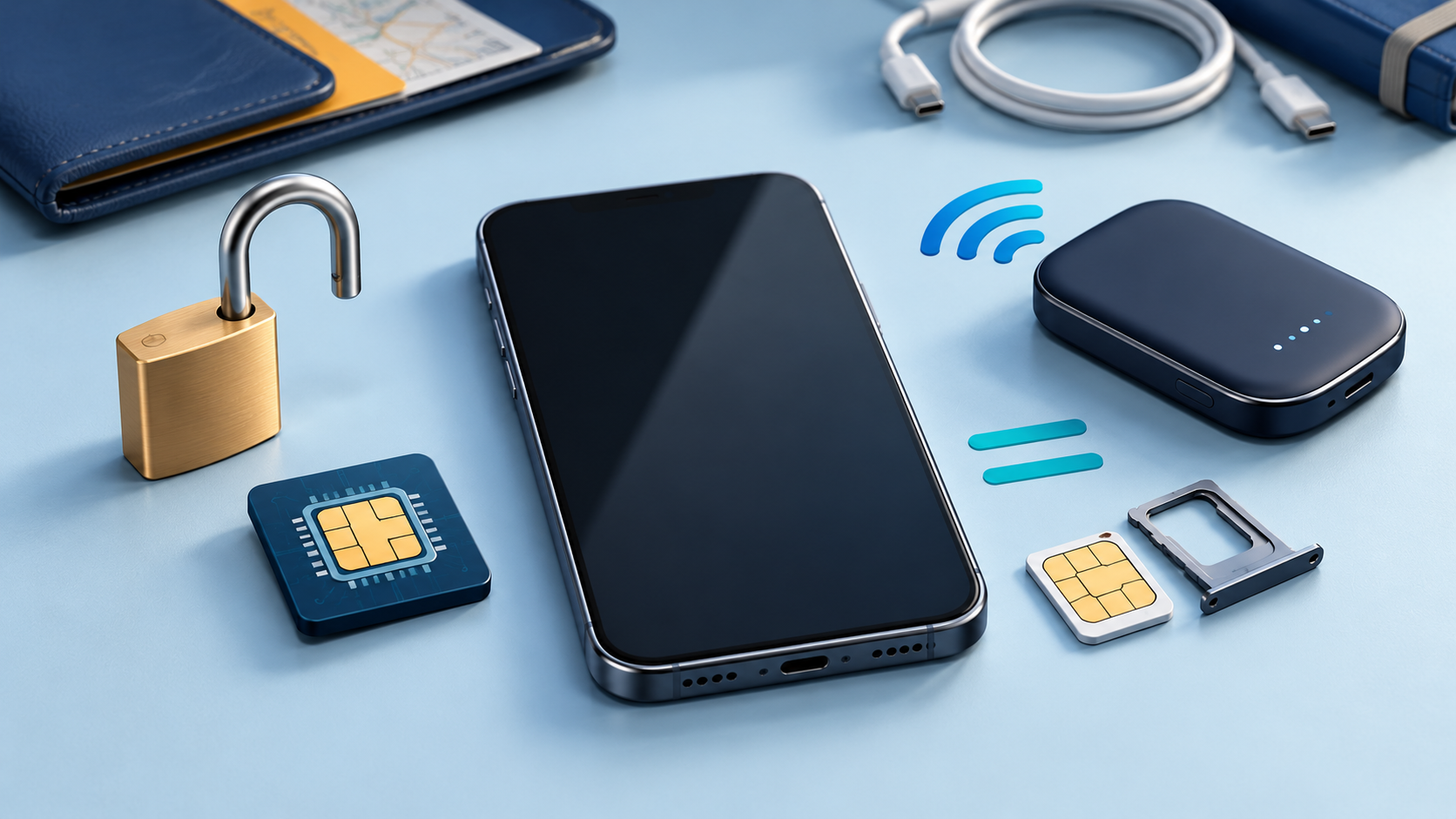
- Carrier lock: the phone must be unlocked to use a different provider. On an iPhone, Apple says you can check Settings > General > About and look for “No SIM Restrictions” next to Carrier Lock.
- Exact model support: confirm eSIM or physical-SIM support for the specific model and regional version, not only the phone family name.
- Network acceptance: a US carrier may provide an IMEI checker for its own service. Use it when buying a local carrier plan.
- Required functions: decide whether mobile data is enough or whether you also need a US number, conventional SMS, voice calls or hotspot sharing.
Apple says supported iPhones can use a travel eSIM as a secondary line, and some models can keep two eSIMs active. Android dual-SIM and eSIM behavior varies by manufacturer, model and region, so check the device specification rather than relying on a general list.
Coverage reality in cities, on road trips and in national parks
Major-city performance does not predict a rural route. Buildings, terrain, congestion and the exact partner network can change the experience, and no single carrier is best at every address or on every highway.
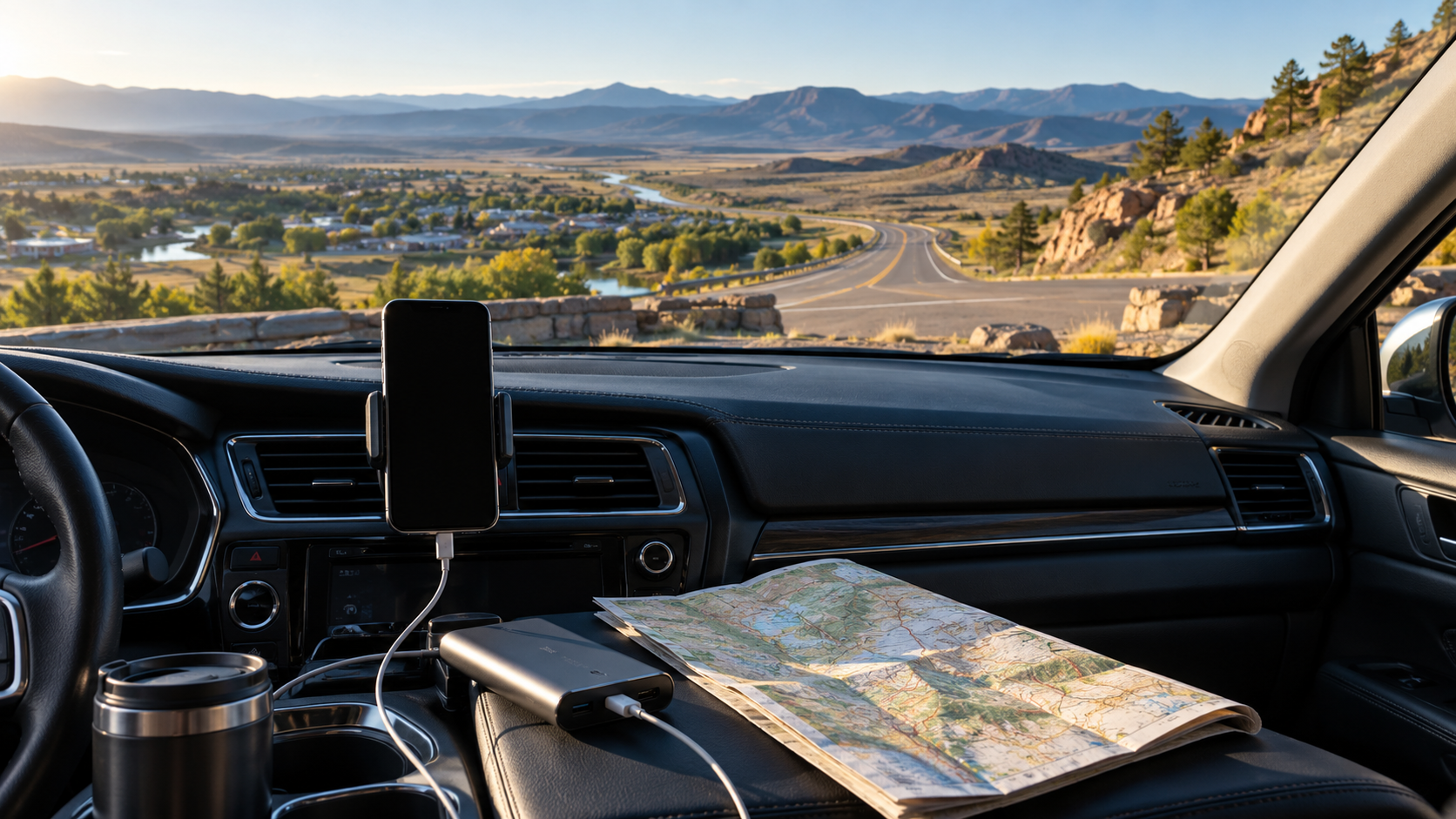
For a road trip, check coverage at the level of the route and overnight stops. A plan that works well in New York or Los Angeles may not be the strongest choice for a specific desert highway, mountain road or park entrance. If a travel eSIM uses more than one US network, automatic network selection can help, but it is not a guarantee of service everywhere.
The National Park Service states that cellular service varies between parks and can be inconsistent even inside one park. It also notes that carrier maps provide general guidance and actual coverage can differ. Some visitor centers and concession facilities offer WiFi, but access may be limited to certain buildings or overnight guests.
Before entering a low-signal area:
- download offline maps and the relevant park information;
- save booking confirmations and key addresses;
- keep a car charger or power bank available;
- tell someone the route when traveling remotely;
- do not rely on mobile service as the only emergency plan.
How much mobile data do tourists need in the USA?
Estimate data from your heaviest activity, not from messaging alone. Navigation, email and ordinary web searches are relatively light; video, cloud backup, app updates and laptop tethering can change the total quickly.
| Travel pattern | Practical starting estimate | Typical behavior |
|---|---|---|
| Light use | 1–3GB per week | Messages, occasional maps, booking checks and limited browsing |
| Regular sightseeing | 3–8GB per week | Daily navigation, ride-hailing, social updates and some music |
| Heavy phone use | 10–20GB per week | Frequent uploads, video calls, streaming and constant navigation |
| Laptop or multi-device hotspot | 20GB+ per week | Remote work, large files, software updates or several users |
These are planning ranges, not usage guarantees. Review your phone’s recent mobile-data statistics for a better personal estimate. Disable automatic photo backup, app updates and high-resolution streaming on mobile data if you want a smaller plan to last.
Also read “unlimited” carefully. It may mean unlimited total use with a daily high-speed threshold, deprioritization during congestion, reduced video quality or a separate hotspot cap. The useful comparison is the amount and behavior of high-speed data, not the word alone.
Set up your USA internet before you fly
Preparation prevents most arrival-day problems, but the correct timing depends on the product.
- Check the phone first. Confirm carrier-unlocked status, exact-model compatibility and the SIM or eSIM format you need.
- Choose by function. Decide whether the trip needs data only, a US number, ordinary calls and SMS, or shared hotspot access.
- Read the activation rule. Install in advance only when the provider permits it. If purchase triggers immediate activation, wait until the stated time.
- Save the essentials offline. Keep the QR code or activation instructions accessible, and download maps, addresses and booking details.
- Configure the travel line carefully. Select it for mobile data and follow the provider’s Data Roaming instructions. Keep roaming off on the home line unless you intentionally use your home carrier’s plan.
If you need device-specific steps, use the eSIM installation guide rather than deleting a profile or rescanning a one-time QR code during troubleshooting.
Frequently asked questions
Do tourists need a US phone number?
Not for most app-based travel tasks. Maps, email, WhatsApp and many booking or ride-hailing functions work with mobile data. Choose a US carrier plan when ordinary domestic calls, conventional SMS or a local number are part of your trip requirements.
Can I keep my regular phone number while using a travel eSIM?
Often, yes. A compatible dual-SIM phone can keep the home line present while the travel eSIM handles data. Check home-carrier charges for calls and texts, and keep data roaming off on the home line unless you intend to use it.
Can I use WhatsApp in the USA?
Yes. WhatsApp works over mobile data or WiFi, so a data-only eSIM can support messages and app-based calls. Keeping access to the account’s registered number and verification method is still important.
Can I use a travel eSIM as a hotspot?
The technology can support hotspot use, but permission and limits depend on the eSIM plan, phone and network. Check the plan’s tethering terms and remember that connected devices use the same allowance.
Does Pocket WiFi work everywhere in the USA?
No. Pocket WiFi uses a cellular network and cannot connect where that underlying network has no usable signal. Check the rental’s network against the route and carry offline backups for remote areas.
Should Data Roaming be on for a USA travel eSIM?
Follow the eSIM provider’s instructions. Many travel eSIMs need Data Roaming enabled on the travel line because they connect through partner networks. Keep roaming off on the home line unless you are using your home carrier’s roaming service.
Can I use an eSIM and a physical SIM at the same time?
Many dual-SIM phones can keep both active, but the exact combination and behavior depend on the model and regional version. Check the manufacturer’s specification and choose which line handles mobile data before the trip.
Choose the connection that fits the whole trip
The best choice for mobile internet in USA for tourists depends on the trip. A travel eSIM is convenient for data-first visitors with compatible unlocked phones; a US prepaid line is better when a local number matters; Pocket WiFi suits groups that remain together; and roaming works when the complete carrier price is reasonable. Whatever you choose, verify the route, activation timing and hotspot rules before paying.
Need data only for your USA trip?
Compare the allowance, validity, partner network, activation timing and hotspot terms before checkout.
View current USA eSIM plans
High-speed data, wherever your journey leads
Enjoy instant, secure mobile data with Ezigo eSIM in 200+ destinations. No physical SIM needed.