Quick answer
How much data do I need for a Japan trip? Most travelers need 5–10GB for 7 days, 10–20GB for 14 days, or 20–50GB for 30 days. Travelers who mainly use maps, messaging and hotel Wi-Fi may need less. Frequent video, cloud uploads, video calls and laptop hotspot use can push the requirement to 2GB per day or more.
Japan itself does not make your phone consume more data. The useful calculation is your normal daily mobile use × travel days + a sensible buffer. This guide helps you estimate that number before you compare a Japan SIM, eSIM, pocket Wi-Fi or roaming plan.
How much data do I need for a Japan trip? Use this calculation
Start with a normal travel day—not your lightest day at home. Estimate your daily use, multiply it by the number of days, and add 20% for unexpected searches, uploads and heavier-use days.
Estimated data = average daily use × trip days × 1.2
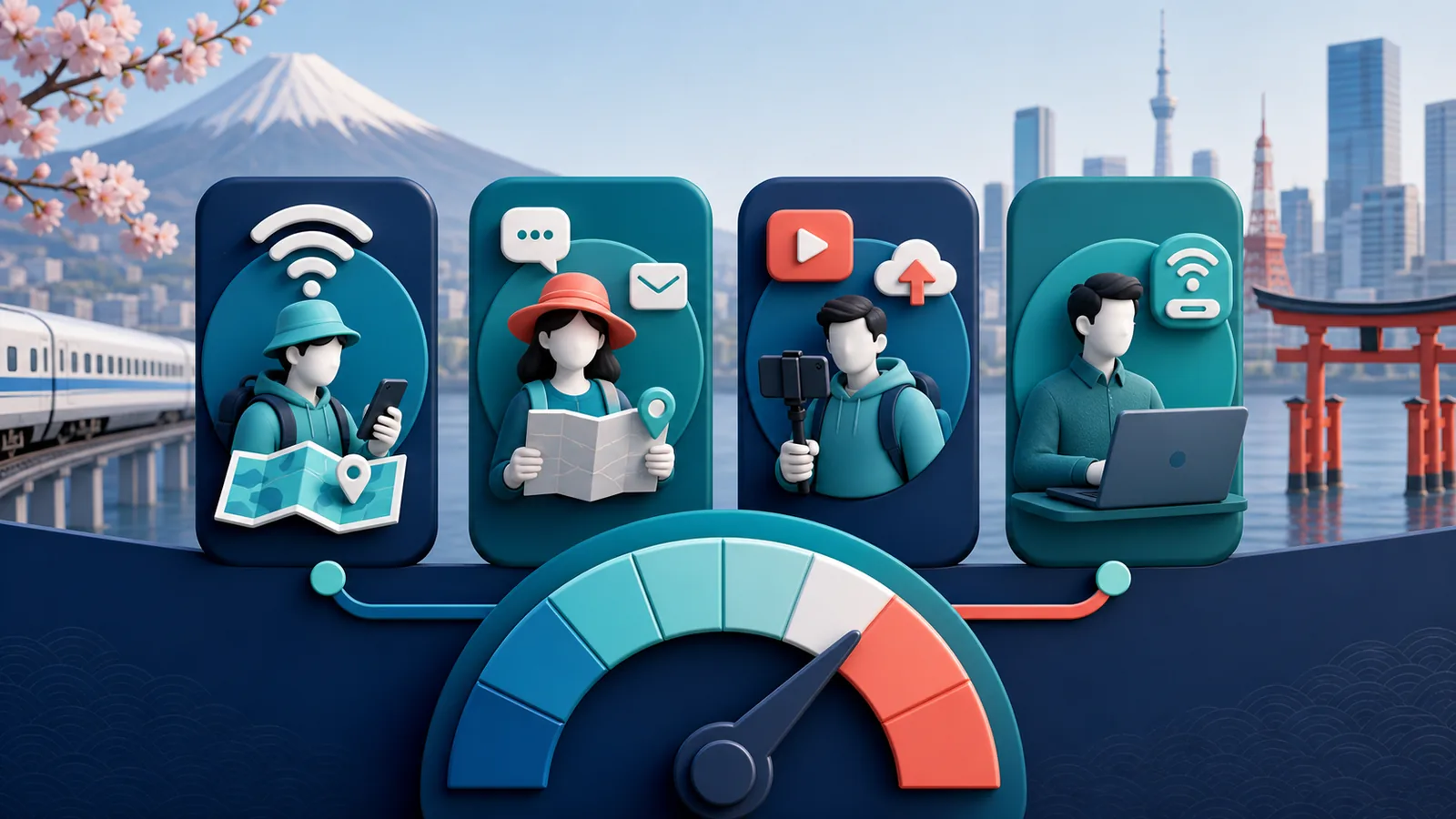
| Travel profile | Typical mobile use | Planning allowance | Watch for |
|---|---|---|---|
| Wi-Fi-first | Maps, train searches and messages; uploads on hotel Wi-Fi | 0.25–0.5GB/day | Background photo backup and updates |
| Typical tourist | Maps, translation, searches, messaging and regular social posts | 0.75–1GB/day | Autoplay video and cloud sync |
| Video-heavy traveler | Frequent short video, streaming, video calls and uploads | 1.5–2GB/day | High-resolution video can exceed the range |
| Remote work / hotspot | Laptop tethering, meetings, file sync and work uploads | 3GB+/day | Laptop updates, backup services and large files |
Example: a 10-day Japan trip
A typical tourist estimates 0.8GB per day: 0.8 × 10 = 8GB. Adding a 20% buffer gives 9.6GB. A 10GB plan is therefore a reasonable starting point. A 5GB plan could work only with deliberate Wi-Fi use and limited video or photo uploads.
Measure your own phone for a more accurate estimate
On iPhone, open Settings > Cellular and review usage by app. Apple explains how to reset the statistics. After resetting, use the phone normally for three days, then divide the result by three. On a Pixel phone, open Settings > Network & internet > SIMs > App data usage. Other Android menus vary by manufacturer.
Remove unusual home-only activity from the estimate only when you will also prevent it during the trip. A large game update, full photo-library backup or laptop system update can otherwise distort the result.
How much data do you need for 7, 14 or 30 days in Japan?
Use the table as a starting point, then adjust it for your actual habits and access to Wi-Fi.
| Trip length | Wi-Fi-first | Typical tourist | Video-heavy | Remote work / hotspot |
|---|---|---|---|---|
| 7 days | 2–3GB | 5–7GB | 10–14GB | 20GB+ |
| 14 days | 5–7GB | 10–15GB | 20–30GB | 40GB+ |
| 30 days | 10–15GB | 20–30GB | 50GB or daily data | 3GB/day or a carefully checked unlimited-style plan |
These ranges include a modest buffer but assume you will not stream high-resolution video for hours every day. If you use 15GB during your first week, a 20GB plan is unlikely to last for a full month even if the original estimate looked suitable.
Match the estimate to your itinerary
| Japan trip pattern | What changes the budget | Practical starting point |
|---|---|---|
| Tokyo–Kyoto–Osaka, one traveler | Train navigation, translation, bookings and moderate social use | Use the typical-tourist row, then add 20% |
| Wi-Fi-first city trip | Offline maps, hotel Wi-Fi and no cellular streaming | Use the Wi-Fi-first row |
| Frequent video, uploads or calls | Video and cloud uploads dominate maps and messaging | Start at 2GB/day and compare with your measured use |
| Two people sharing one hotspot | Both devices use the same allowance | Add both users’ measured daily use |
| Laptop work from trains or cafés | Meetings, VPN traffic, file sync and system updates | Measure a normal workday; 3GB/day may still be insufficient |
What uses the most mobile data on a Japan trip?
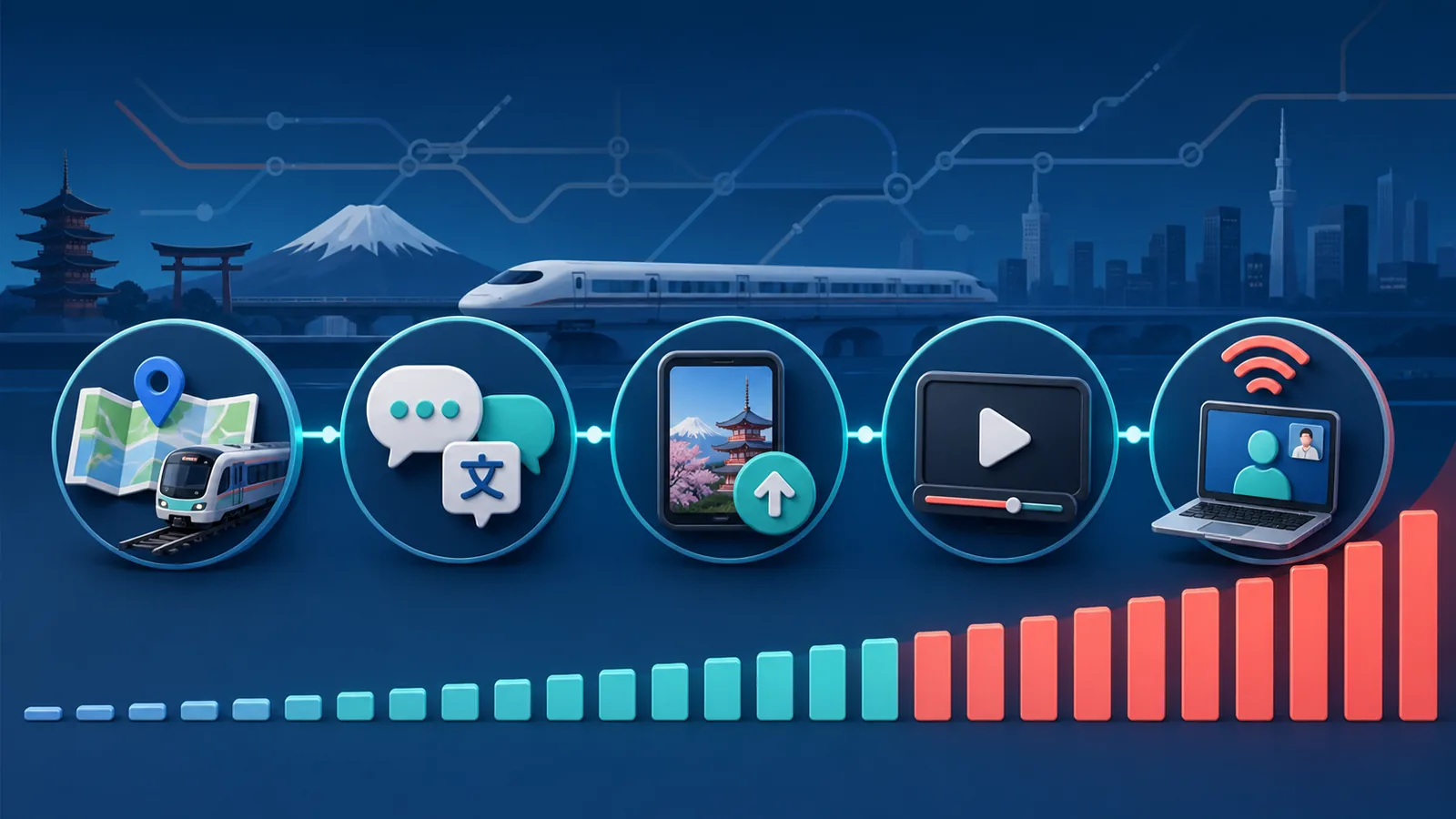
Maps and train searches are essential, but they are rarely the largest source of data use. Video, automatic uploads and tethered laptops are more likely to exhaust a small allowance.
| Activity | Planning range | Why it varies | Practical control |
|---|---|---|---|
| Maps, train routes and web searches | 50–150MB/day | Place photos, live traffic and repeated route loads | Download key areas for offline use |
| Messaging and translation | 50–200MB/day | Photos, voice messages and camera translation | Download language packs where available |
| Social browsing and uploads | 200–800MB/day | Autoplay, upload quality and time in the app | Use each app’s data-saving mode |
| Short video or streaming | 0.5–2GB/hour | Resolution and autoplay | Use lower quality or Wi-Fi |
| Video calls and hotspot | 0.5–2GB/hour plus laptop traffic | Call quality, screen sharing, sync and updates | Pause backup and updates before tethering |
These are planning estimates rather than controlled measurements. App versions, video quality, cloud backup and your own behavior can move usage outside the ranges. Leave a buffer instead of buying the exact mathematical minimum.
Is 1GB or 2GB per day enough in Japan?
Is 1GB per day enough?
Usually, yes, for a typical tourist. One gigabyte per day generally covers maps, train planning, messaging, searches, translation and moderate social use. It becomes tight with long video sessions, frequent high-quality uploads, video calls or laptop hotspot use.
Is 2GB per day enough?
For most heavy phone users, 2GB per day provides more room. It can support frequent photo and video sharing and some streaming. It is not a guarantee for remote work because one long meeting, cloud backup or laptop update can use a large amount of data.
When is 3GB per day worth considering?
Consider 3GB per day when your phone will be a hotspot, when you regularly upload work files, or when several high-data activities happen on the same day. If you mainly use maps and messages, part of that allowance may go unused.
Should you choose fixed data, daily data or an unlimited-style plan?
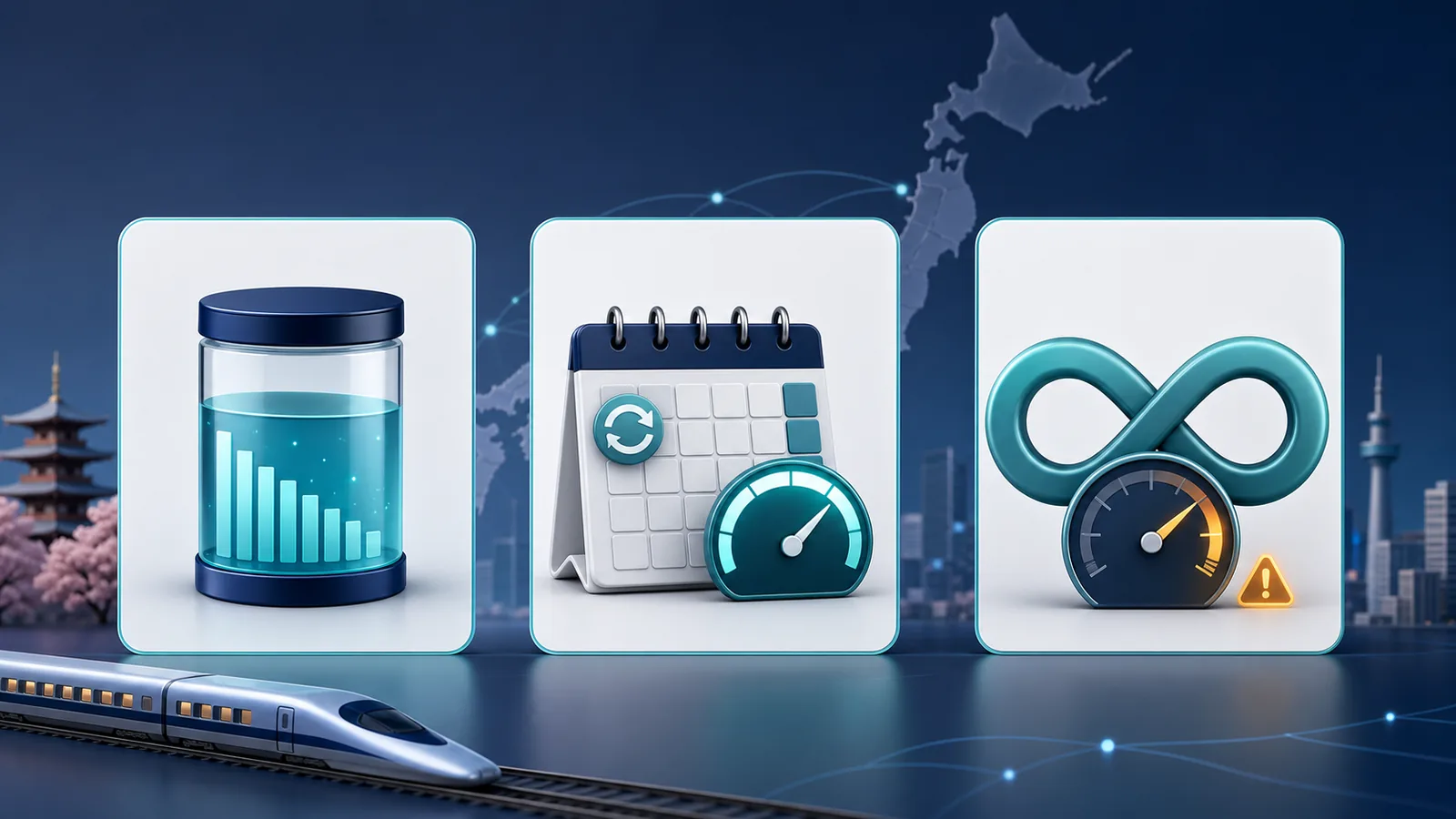
The best plan rule depends on how your usage changes from day to day. Compare what happens after the high-speed allowance, not only the largest number in the plan name.
| Plan rule | Usually suits | Main advantage | Main limitation to check |
|---|---|---|---|
| Fixed total data | Moderate users with uneven daily use | Use more on busy days and less on quiet days | The entire allowance can be exhausted early |
| Daily high-speed data | Travelers who prefer a fresh allowance each day | One heavy day does not use the full trip allowance | Unused data may not roll over; check the post-limit speed |
| Unlimited-style data | Users who prioritize continued access | Less need to track a single total quota | Fair-use limits, speed caps and hotspot rules may apply |
Use your estimate to choose the plan rule
- Choose fixed total data when some days will be busy and others light.
- Choose daily data when you prefer a predictable high-speed allowance each day.
- Consider unlimited-style data when continuity matters most, but check the fair-use and speed conditions.
Is an eSIM or pocket Wi-Fi better for Japan?
An eSIM is often simpler for one traveler who wants data directly on an unlocked phone. Pocket Wi-Fi can be more practical when a family or work group needs to connect several devices and prefers one shared connection.
The trade-off is portability. A pocket Wi-Fi device needs to be charged and carried, and people lose the connection when they separate. Choose based on how the group will travel, not only the advertised data amount.
How can you save mobile data in Japan without making travel harder?
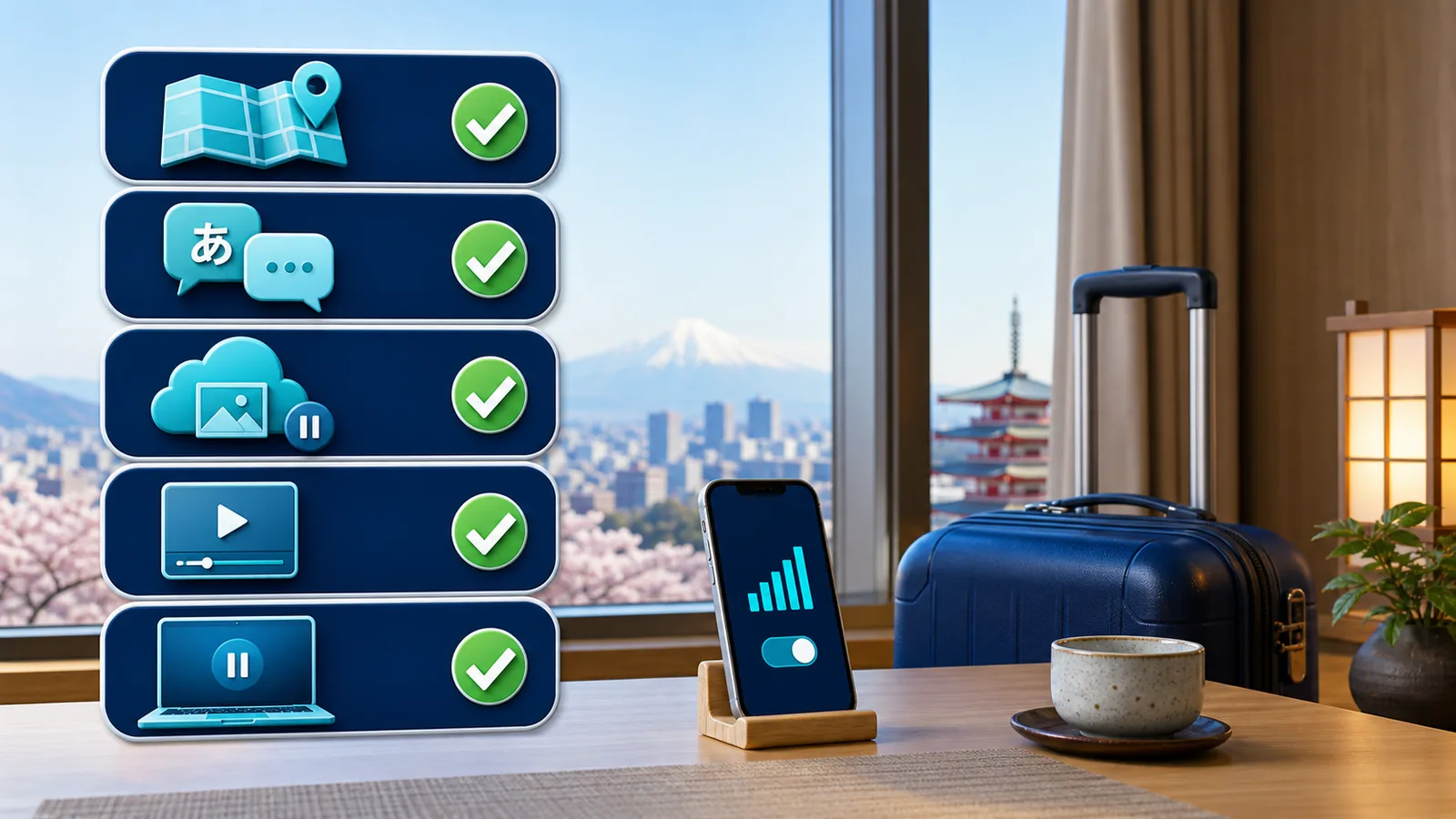
- Download offline maps. Google Maps supports saved areas on iPhone and Android. Download Tokyo, Kyoto/Osaka and any driving region on Wi-Fi.
- Download language packs and playlists. Do it before departure or on hotel Wi-Fi.
- Disable cellular photo backup. A day of high-resolution photos can create a large upload queue.
- Turn off automatic app and operating-system updates. A tethered laptop may also update silently.
- Lower streaming quality. This usually saves more data than avoiding ordinary map searches.
- Review usage after day three. Recalculate what remains instead of relying on the original estimate.
A useful mid-trip check
Remaining data ÷ remaining days = daily budget. If 6GB remains with eight days left, the budget is 0.75GB per day. That is workable for maps, messaging and moderate social use, but not regular streaming.
Do you need a data calculator or a provider comparison?
Use this guide to decide how much data and which allowance rule fit your trip. If you need to compare providers, networks, phone-number options and other purchase terms, use the Best eSIM for Japan comparison. Keeping these decisions separate prevents a data calculator from turning into a product ranking page.
Frequently asked questions
Is 5GB enough for one week in Japan?
It can be enough for maps, messaging, searches and moderate social use if large uploads and streaming happen on Wi-Fi. Choose closer to 10GB if you do not want to monitor usage closely.
Is 10GB enough for two weeks in Japan?
It can work for a typical tourist who averages around 0.7GB per day and limits video use. It may be tight for frequent streaming, video calls or hotspot sharing.
Do I need unlimited data in Japan?
Not necessarily. Travelers who mainly use maps, messaging, translation and browsing can often use a fixed or daily allowance. Unlimited-style plans become more relevant for frequent streaming, large uploads or uncertain hotspot use. Check the full-speed limit and fair-use conditions.
Does Google Maps use a lot of data in Japan?
Usually less than video and social media, although live traffic, place photos, repeated route loads and searches can add up. Download your main areas on Wi-Fi and keep mobile data available for live updates.
Does hotspot use consume more data?
The hotspot connection itself does not create a separate multiplier, but laptops and tablets often load desktop pages, sync files and download updates. That behavior can make tethered use much heavier than phone-only use.
What happens if I use all my data?
The next step depends on the plan rule. Some Total data plans support top-ups, while other plans may require you to wait for a new daily allowance or purchase another plan. Check the selected plan’s current terms before buying.
When should I install a Japan eSIM?
Install it over stable Wi-Fi before departure if the provider permits it. Follow the activation instructions supplied with the selected plan, and do not delete the profile simply because it shows no service before arrival.
Conclusion
For most travelers, 5–10GB for one week, 10–20GB for two weeks, or 20–50GB for one month is a reasonable starting point. The more useful calculation is your normal daily use multiplied by the number of travel days, with a buffer for video, uploads and hotspot use.
If you are still asking how much data do I need for a Japan trip, measure your phone for three normal days and use the result to choose between fixed, daily and unlimited-style data. The right choice is the plan rule that matches your behavior—not necessarily the plan with the largest headline number.
Editorial note: Prepared by the Ezigo eSIM Content Team. App-usage ranges are editorial planning estimates rather than a controlled Japan field test; devices, applications and providers may measure data differently. Product rules should be rechecked before publication and at checkout.

High-speed data, wherever your journey leads
Enjoy instant, secure mobile data with Ezigo eSIM in 200+ destinations. No physical SIM needed.