Last reviewed: September 28, 2026
If you are asking, “Will my phone work in Australia?”, the short answer is probably—provided it is unlocked, supports the Australian network you plan to use and meets the country’s post-3G voice and emergency-calling requirements. A recent 4G or 5G phone will often handle mobile data, but the exact model matters more than the name printed on the box.
Before choosing roaming, a local SIM or a travel eSIM, check the phone itself, the network behind the service and coverage for your full itinerary. That order prevents you from buying a plan that your phone cannot use or that does not cover the places you intend to visit.
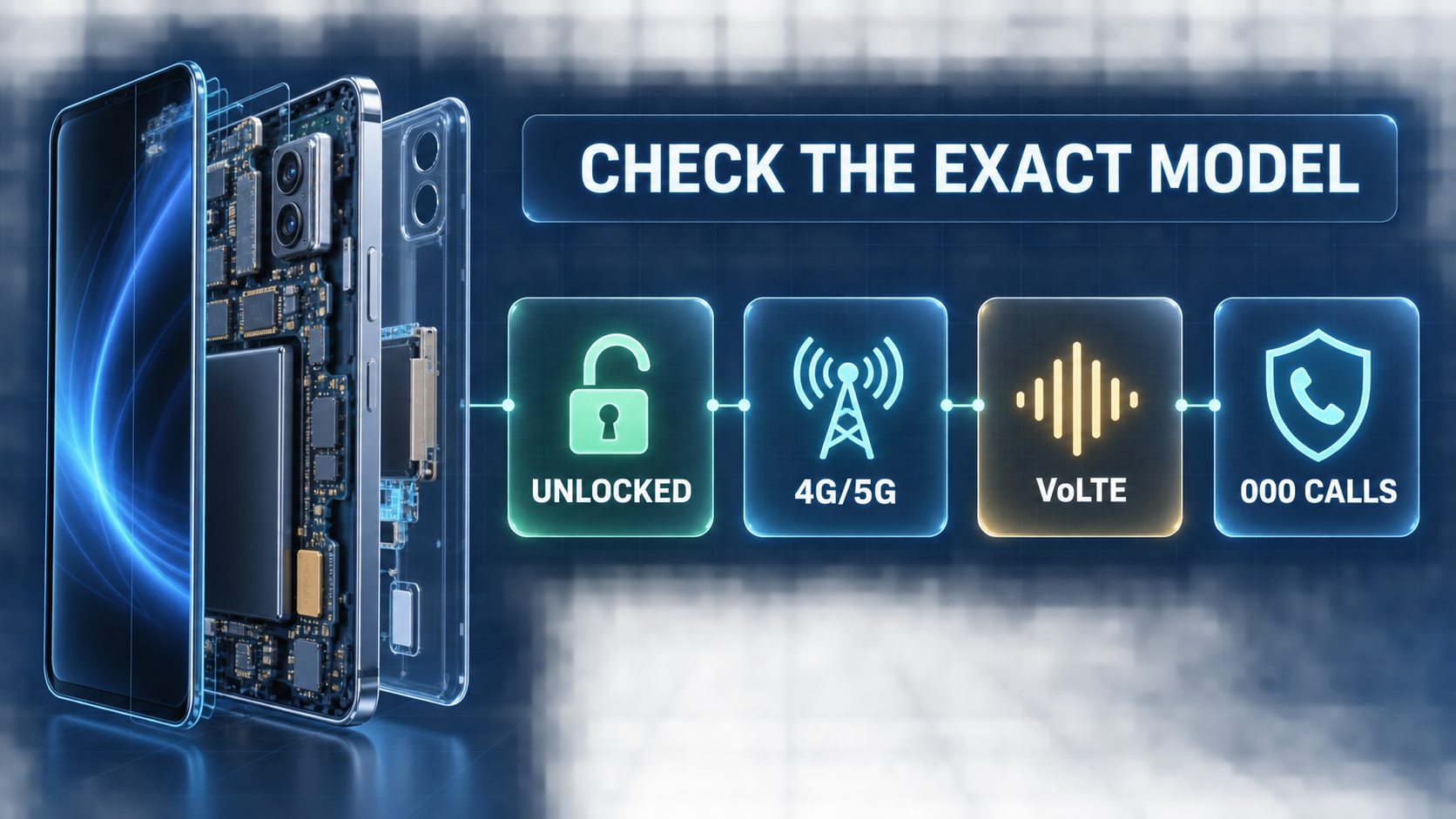
Will My Phone Work in Australia? Start With These Four Checks
| Controlla | Cosa confermare | What the result tells you |
|---|---|---|
| Blocco del vettore | The phone is unlocked | Whether it can accept another carrier’s SIM or eSIM |
| Exact device model | It supports your intended SIM format and relevant Australian 4G bands | Whether the regional version can connect to the network you plan to use |
| Calls after the 3G shutdown | The phone and voice service support VoLTE and emergency calling on that network | Whether voice service can operate correctly without a 3G fallback |
| Copertura del percorso | The underlying network covers your accommodation, roads and stops | Whether the plan is suitable for the whole trip, not only the arrival city |
For many visitors, the result is straightforward:
- A recent unlocked iPhone, Google Pixel or Samsung Galaxy will often work for mobile data, subject to its exact regional model and the selected network.
- A carrier-locked phone may work with home-carrier roaming but reject a different SIM or eSIM.
- A 3G-only phone, an older 4G phone that uses 3G for calls or an imported model with unsupported voice settings needs closer checking.
Passing one test does not automatically pass the others. Treat these as four separate checks, then choose the connection method that suits the trip.
Why Australia’s 3G Shutdown Still Matters to Travelers
Australia’s 3G shutdown is complete. Vodafone closed its 3G network first, followed by Telstra and Optus in 2024. The change affected 3G-only handsets, but it also exposed compatibility problems in some 4G phones.
IL Australian Communications and Media Authority (ACMA) identifies three broad groups that may be affected:
- phones that only use 3G;
- older 4G phones that rely on 3G for voice calls; and
- some 4G phones that use VoLTE for ordinary calls but cannot make emergency calls correctly over 4G.
Australian telcos must prevent service through a phone known to be unable to access Triple Zero (000). As ACMA’s post-shutdown emergency-calling guidance explains, the restriction can affect calls, messages and data—not only emergency calls.
Imported phones deserve particular attention. A model family sold in Australia may also have overseas variants with different frequency bands, firmware or carrier settings. This is why an exact model number is more useful than a general label such as “iPhone 15” or “Galaxy S24.”
Never test compatibility by placing a 000 call. Triple Zero is for real emergencies. Confirm the exact model with the intended Australian network or your roaming provider before departure.
How to Check Your Exact Phone Model Before the Trip
Start with the model number rather than the marketing name. You can usually find it in the phone’s settings or on the manufacturer’s support page for your region.
1. Confirm that the phone is unlocked
An unlocked phone can accept another carrier’s SIM profile. On an iPhone, open Impostazioni > Generale > Informazioni e cercare Lucchetto Carrier; “No SIM restrictions” indicates that the phone is unlocked. Android menus vary, so the original carrier or a test with another carrier’s SIM may be the more reliable check.
Unlocking only removes the original carrier restriction. It does not add missing frequency bands, eSIM hardware or Australian VoLTE support.
2. Check eSIM support separately
If you plan to use a travel eSIM, confirm that the exact device and regional variant support eSIM. Some carrier or country versions disable features that are available on the same phone family elsewhere.
Ezigo’s eSIM-compatible device checker is a useful starting point for supported models and settings paths. Use it to check eSIM capability, then confirm network and voice compatibility separately.
3. Check Australian 4G bands, including Band 28
Australia’s Department of Infrastructure notes that a 4G phone without 700 MHz capability—also known as Band 28—may still work but can have reduced coverage. This low-frequency band is particularly relevant outside dense urban areas and inside some buildings.
Band 28 is not a complete compatibility test. It tells you about one part of 4G coverage; it does not confirm carrier-specific VoLTE or emergency calling.
4. Confirm VoLTE and 000 compatibility
VoLTE carries voice calls over 4G. With no 3G fallback available, an older or imported phone may connect to mobile data but still have a voice-service problem.
Ask the intended network or roaming provider about the exact model number and its VoLTE emergency-calling support in Australia. A 4G or 5G icon confirms a data connection, not the full voice and 000 configuration.
Will a US Phone Work in Australia?
A recent unlocked US phone will often work for Australian mobile data, but two details cause the most trouble: regional hardware differences and carrier locks. Some newer US iPhones are also eSIM-only. They can use a compatible travel eSIM, but a physical Australian SIM is not available as a fallback.
Before leaving the United States:
- record the exact model number;
- confirm that the phone is unlocked;
- check which Australian partner network your home carrier uses;
- verify the model with that network or your eSIM provider; and
- review roaming settings before activating a second SIM.
Does T-Mobile work in Australia?
T-Mobile does not operate its own Australian network. An eligible T-Mobile line roams through a local partner, while data allowances, speeds, calls and charges depend on the customer’s current plan and add-ons.
The same basic rule applies to AT&T, Verizon and carriers from other countries: roaming still depends on a compatible phone and the local partner’s coverage. Check current carrier terms shortly before travel rather than relying on an old plan comparison.
Confronta le reti mobili australiane con il tuo percorso effettivo
Australia has three national mobile network operators: Telstra, Optus and Vodafone. Local SIMs, roaming services and travel eSIMs may use one of these networks, so the plan seller and the underlying network are not always the same company.
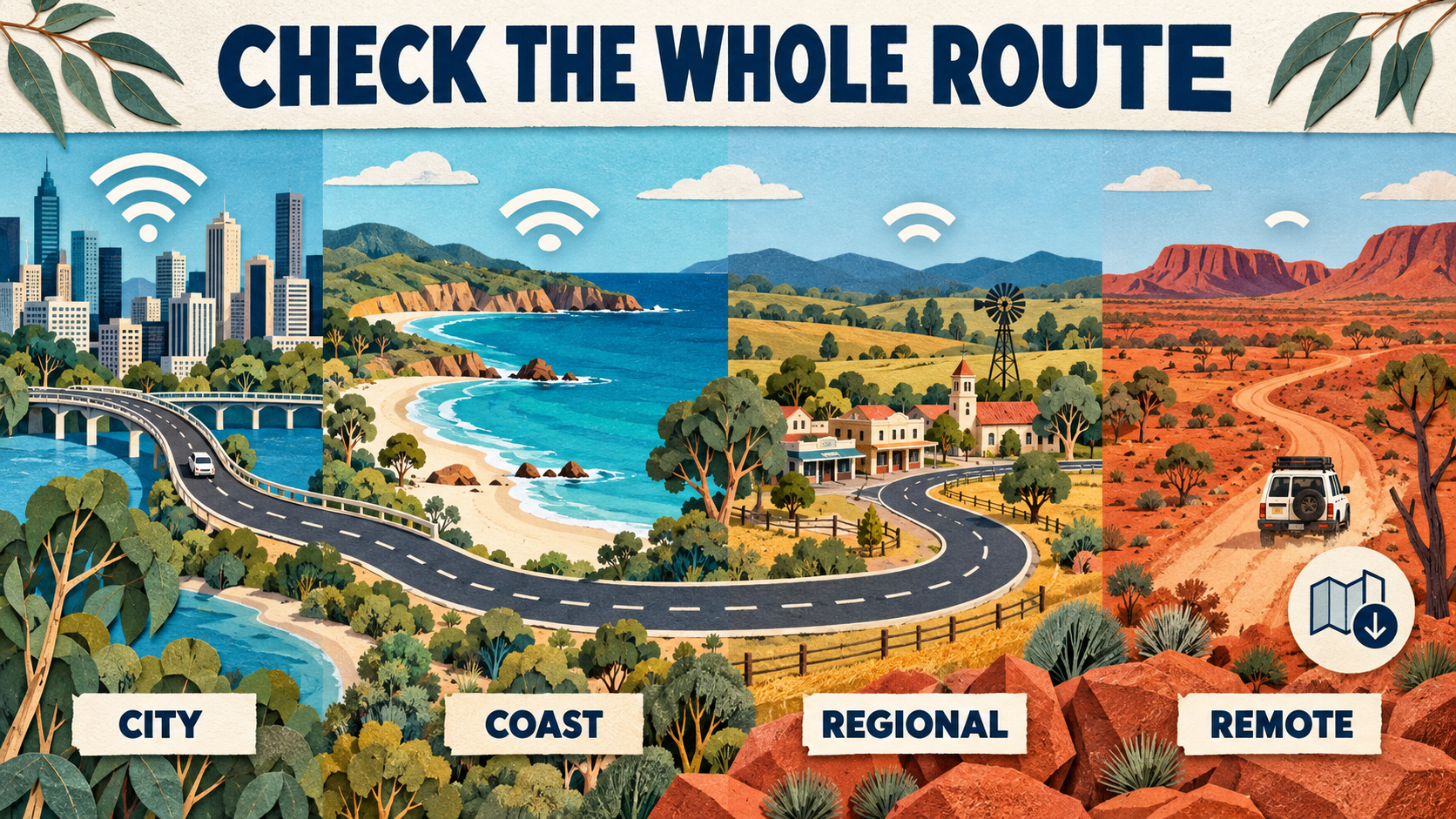
A city-only trip is usually easier to assess. Coverage becomes more important when the itinerary includes coastal roads, national parks, regional towns or remote areas.
| Itinerario | What to check on the coverage map |
|---|---|
| Sydney, Melbourne, Brisbane, Perth or Adelaide city break | Accommodation, indoor venues and the areas where you expect to spend most of the day |
| Coastal drive | The road between stops, not only the towns at either end |
| Regional towns or national parks | Park entrances, highways, trailheads and overnight locations |
| Remote or Outback travel | Known gaps, offline navigation and a separate emergency plan |
Compare the official mappa di copertura Telstra, Optus coverage map E verificatore di copertura Vodafone. Coverage maps are predictive rather than guarantees. Terrain, buildings, network demand, the phone and its software can all affect the connection you experience.
For a reseller or travel eSIM, check the network attached to the specific plan. Access to a major network does not necessarily mean that every inclusion, speed setting or roaming arrangement matches the operator’s direct retail service.
Choose Roaming, a Local SIM or a Travel eSIM After the Phone Check
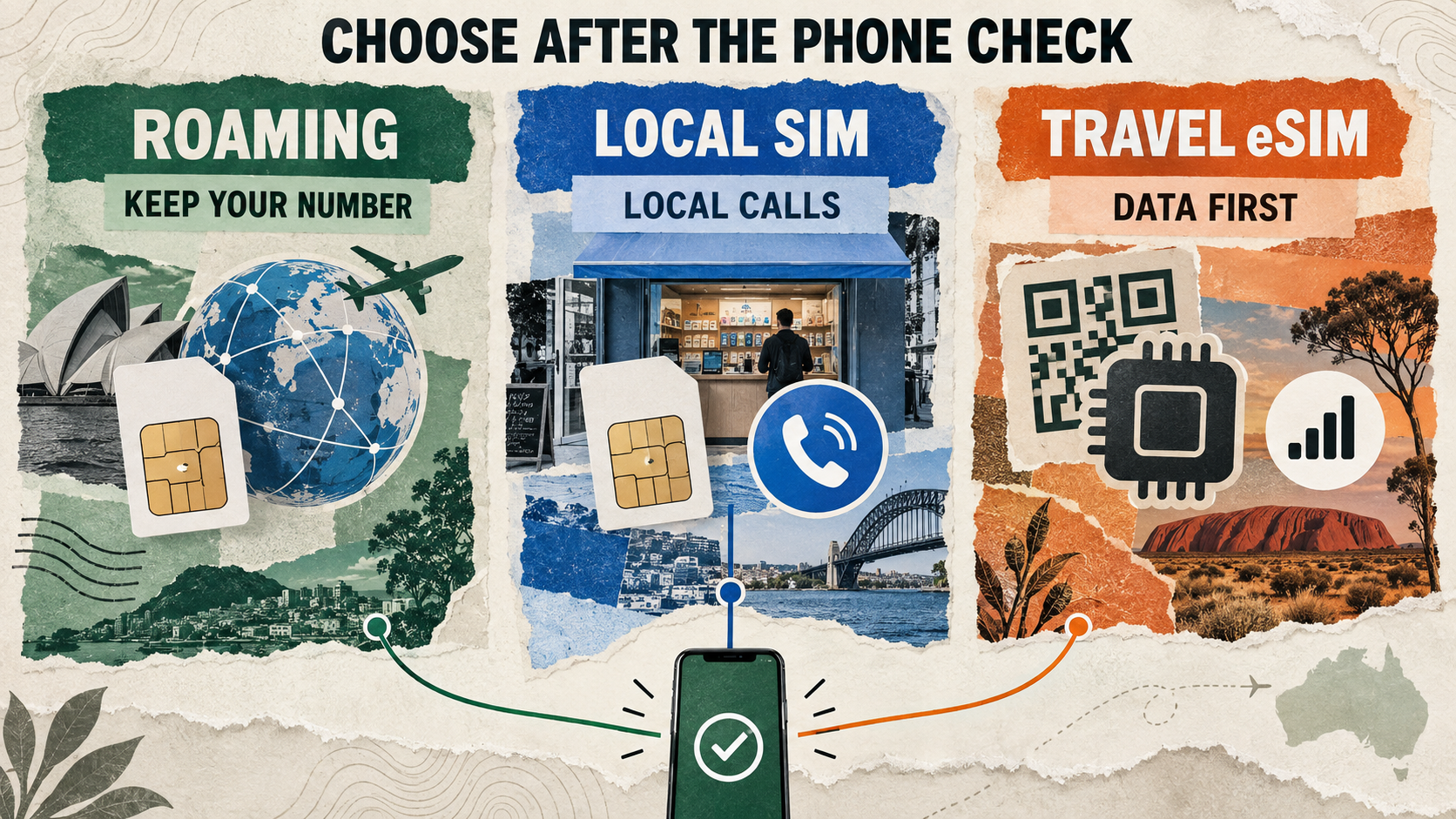
Once you know the phone is compatible, choose the connection method based on what you need: number continuity, local calls or convenient mobile data.
| Opzione | Ideale per | Principale limitazione |
|---|---|---|
| Roaming dell'operatore domestico | Keeping your existing number and avoiding a SIM change | Allowances, speeds and charges depend on the home plan and roaming partner |
| Australian prepaid SIM/eSIM | Travelers who want a local number and direct local service | Requires an unlocked, compatible phone and still follows the selected network’s coverage |
| eSIM da viaggio solo dati | Arranging mobile data before arrival while keeping the original SIM available | Usually does not include an Australian number, ordinary calls or SMS |
| Wi-Fi tascabile | Sharing one mobile data connection across several devices | Adds another device to charge and still depends on mobile coverage |
If your phone passes the compatibility checks and you mainly need data, compare the current Australia eSIM plans. Ezigo’s Australia plans are data-only, support hotspot use and may use Telstra, Optus or Vodafone depending on the selected option. Check the live product page for current availability and terms.
If you need a local number or ordinary Australian calls and SMS, an Australian operator plan may be a better fit. The Guida alle SIM card australiane per turisti explains those choices in more detail.
A 10-Point Phone and Network Checklist Before Traveling to Australia
- Trova il numero esatto del modello e la variante regionale.
- Conferma che il telefono sia sbloccato dall'operatore.
- Check eSIM support if that is your intended format.
- Verify relevant Australian 4G bands, including Band 28 for broader low-band coverage.
- Confirm VoLTE and emergency-calling compatibility with the intended network or roaming provider.
- Identify the Australian network behind the selected plan.
- Check accommodation, roads, parks and overnight stops on the official coverage map.
- Update the phone’s operating system and carrier settings.
- Download offline maps, booking details and essential addresses.
- Keep a separate communication and safety plan for remote travel.
If you choose an eSIM, install it while reliable Wi-Fi and support are still available, then follow the provider’s activation instructions. Ezigo’s installation and activation guide explains the general setup sequence.
Domande frequenti
Will an unlocked phone automatically work in Australia?
No. Unlocking removes the original carrier restriction, but the exact model still needs compatible bands and network settings. Voice service must also meet Australia’s post-3G VoLTE and emergency-calling requirements.
Will a 5G phone work after Australia’s 3G shutdown?
Not always. A 5G data connection does not confirm that the phone supports the intended network’s voice and emergency-calling configuration. Check overseas variants by exact model number.
Can an overseas phone be blocked in Australia?
Yes. Australian telcos must prevent service through a phone known to be unable to access Triple Zero. Depending on the device and service, calls, messages and data can be affected.
Do I need Band 28 in Australia?
A phone without Band 28 may still connect on other 4G bands, especially in cities, but coverage can be reduced. Band 28 becomes more relevant when the itinerary extends beyond dense urban areas.
Does an Australia travel eSIM include a local phone number?
Not necessarily. Ezigo’s Australia plans are data-only and do not include a local number, ordinary calls or SMS. Choose a suitable voice line or local operator plan if those functions matter.
Which Australian network is best for tourists?
There is no single answer for every itinerary. Compare the official maps for the places and roads you will use, then confirm which network carries the selected roaming, SIM or eSIM service.
So, Will My Phone Work in Australia?
In most cases, yes—if the phone is unlocked, the exact regional model supports the intended Australian network, VoLTE and emergency calling work correctly, and that network covers your route. Seeing “4G,” “5G” or “eSIM compatible” on a specification page is useful, but it is only part of the answer.
Complete the device and route checks first. Then choose roaming for number continuity, a local service for Australian calls and SMS, or a travel eSIM for pre-arranged mobile data on a compatible phone.
Nota editoriale: Network rules, roaming arrangements and coverage maps can change. Confirm the exact phone model and current provider guidance shortly before travel.
Dati ad alta velocità, ovunque ti porti il tuo viaggio
Goditi dati mobili istantanei e sicuri con la eSIM Ezigo in oltre 200 destinazioni. Nessuna SIM fisica necessaria.